Duplicating a Venue / Theatre
Duplicating a Venue / Theatre
Click here, for quick reference information for Venues and Maps
To duplicate a venue/theatre, you perform the following steps:
- Open the Venue List window.
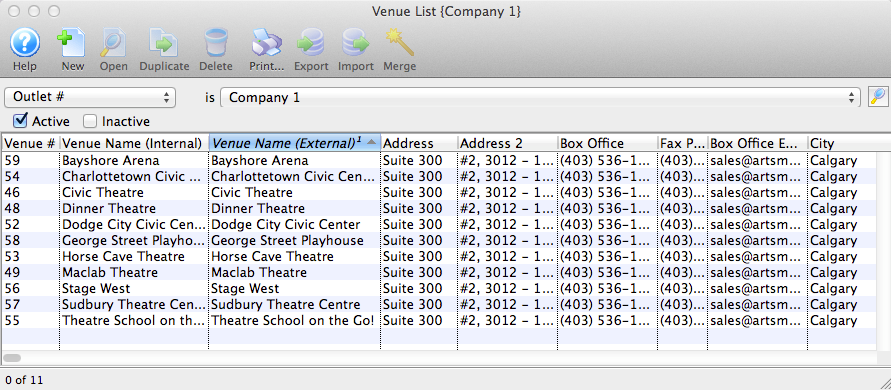
Click here to learn how to access the window.
- Select the Venue to duplicate.
Single click on the venue to select it.
- Click the Duplicate
 button.
The copied Venue will now appear in the Venue List window. It will also contain the same attached Pricing Maps as the original venue.