Licence Upgrades
Licence Upgrades
Once a company has purchased a license upgrade the new Customer and License numbers need to be entered to activate the additional features of Theatre Manager.
- Open Setup >> System Preferences
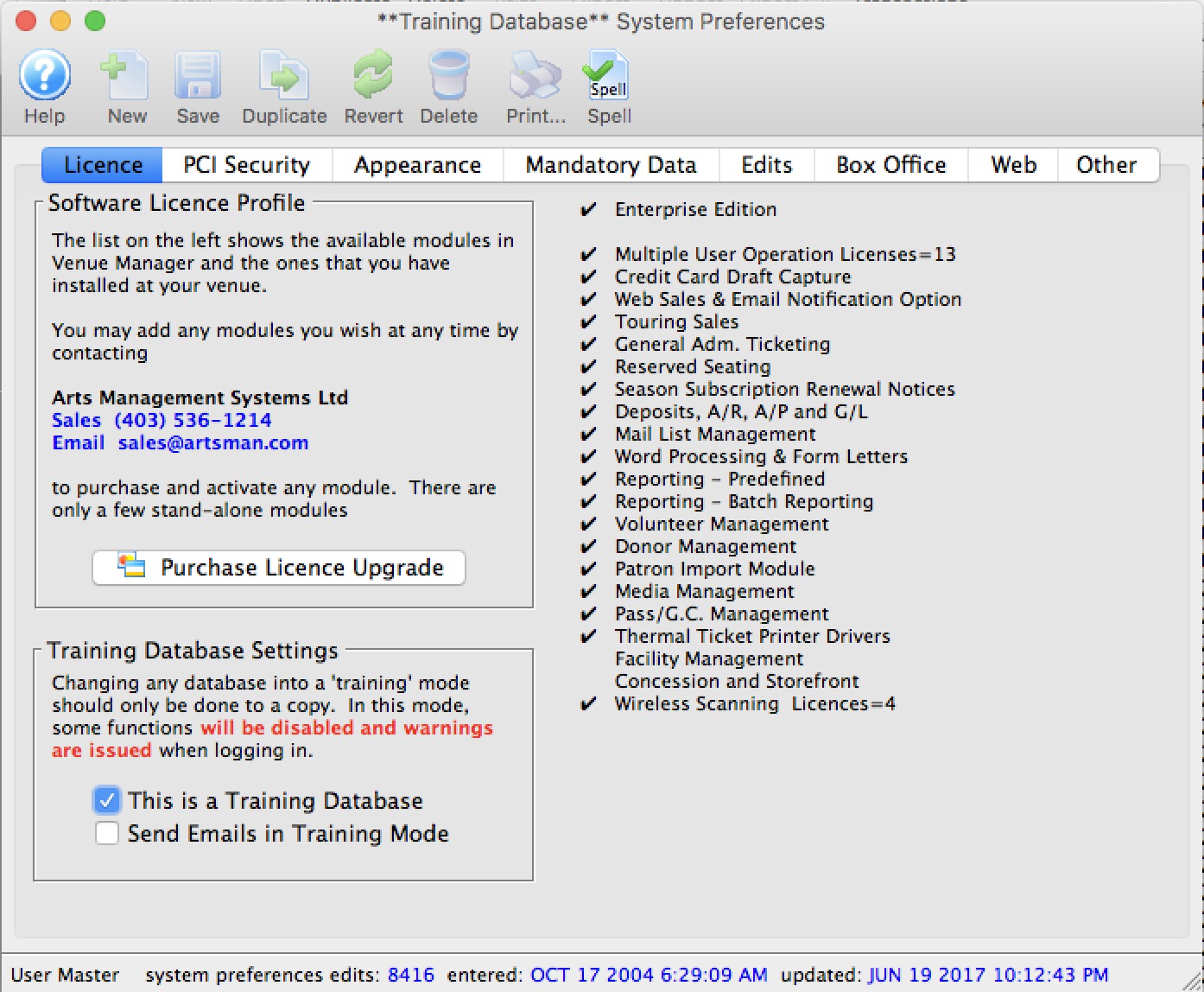
- Click the Purchase License Upgrade
 button.
The Customer and License Number Window will open.
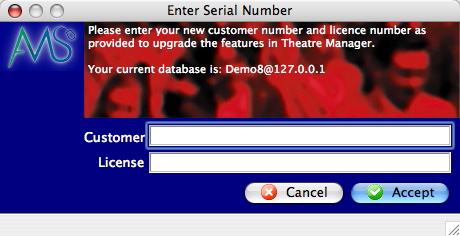
- Enter new customer number.
- Enter new license number.
- Click the Accept
 button.
Theatre Manager will now automatically restart to activate the new features.