Selecting a Performance for Attendance
Selecting a Performance for Attendance
You can select a performance you want to set attendance for from the Patron Attendance window.
To Start selecting a performance, you perform the following steps:
- From the main menu bar, choose Accounting >> Confirm Attendance.
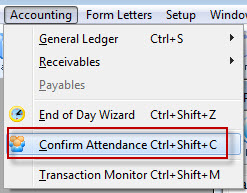
The Patron Attendance list window opens.
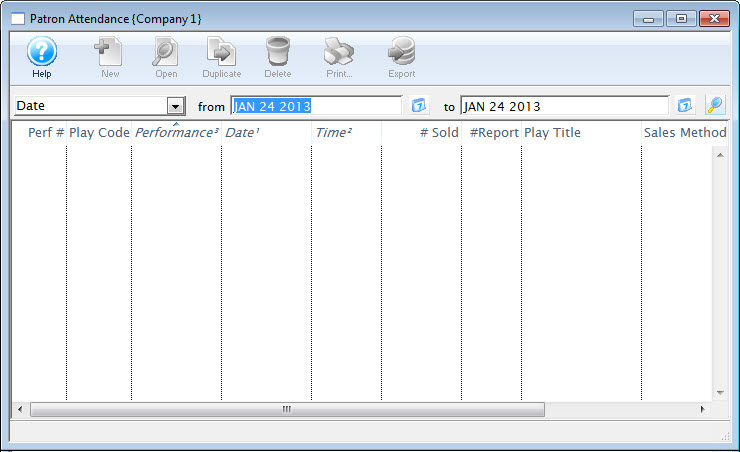
- Enter Search Criteria.
The search criteria is entered in the From and To fields and is based on the field listed in the drop down list.
- Click the Search
 button.
A list of performances opens.
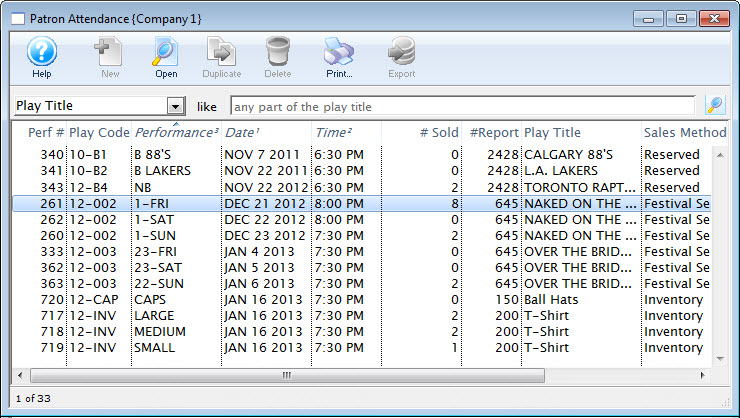
- Double click on a performance to select it. Once selected, the performance will open.
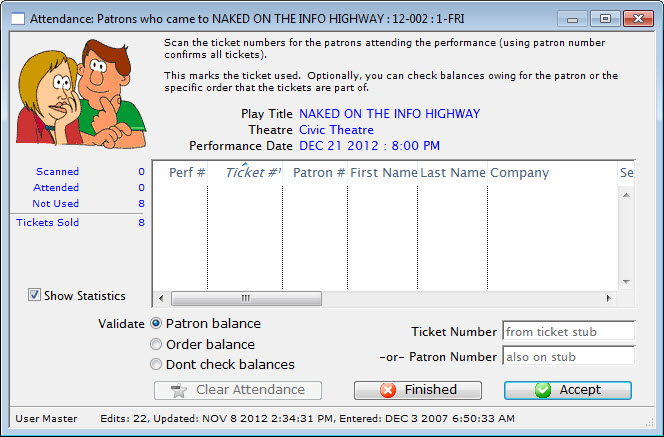
- Continue at Step 8 of the Set Attended section of Setting Attendance.