Finding a Pass G/C Type
Finding a Pass G/C Type
To Find Types, you perform the following steps:
- Select Setup >> System Tables >> Pass G/C Types Menu.
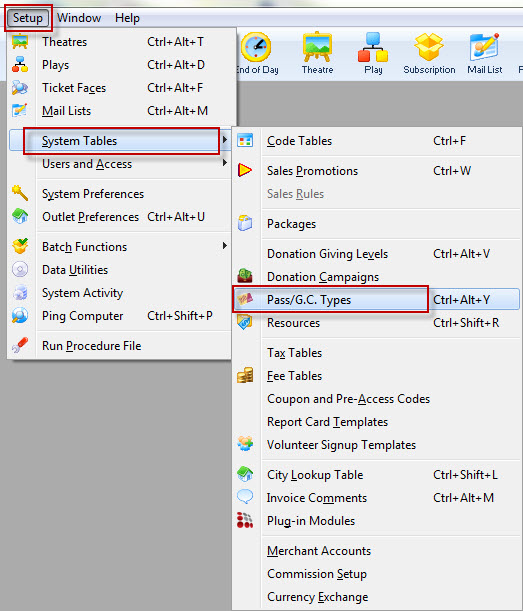
The Member Types Window opens.
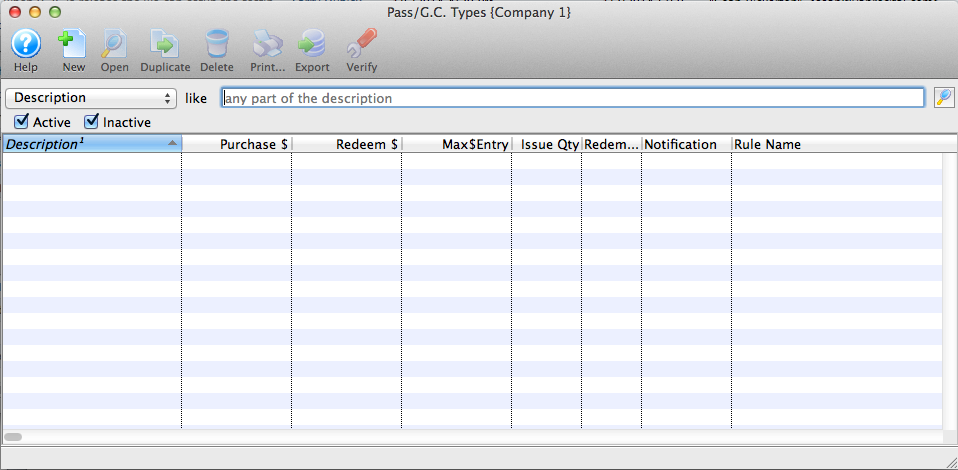
- To refine your search, you can choose from the drop down list, turn off or on the Active/Inactive flags, enter text in the description box and click the Search
 button.
Or leave blank and click the Search
button for a complete list of Memberships.

The results which fit your parameters will be displayed.
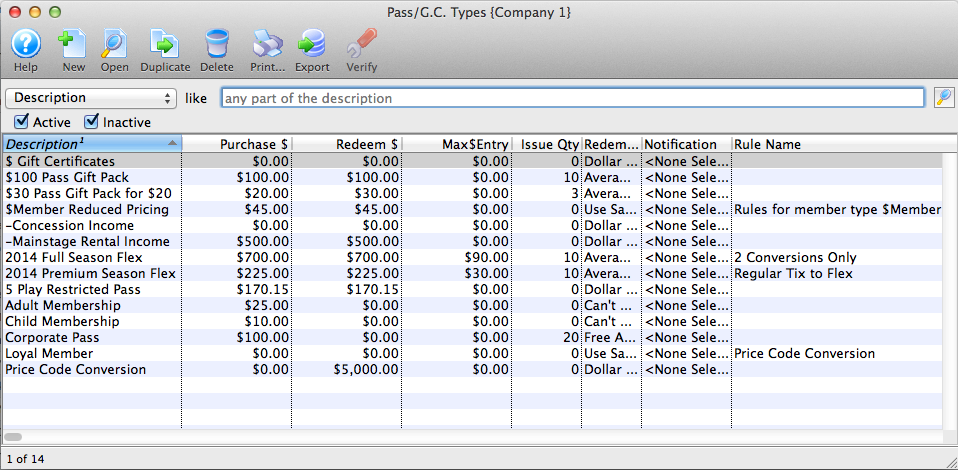
To access a membership double-click it.