Finding Employees in the Employee List Window
Finding Employees in the Employee List Window
To find an employee, you would perform the following steps:
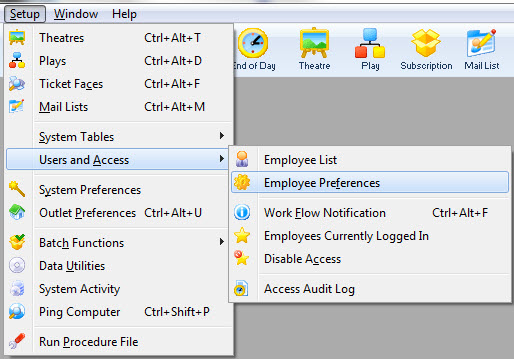
- Click Setup >> Users and Access >> Employee Setup
- Make a selection from the drop down list and enter a value.
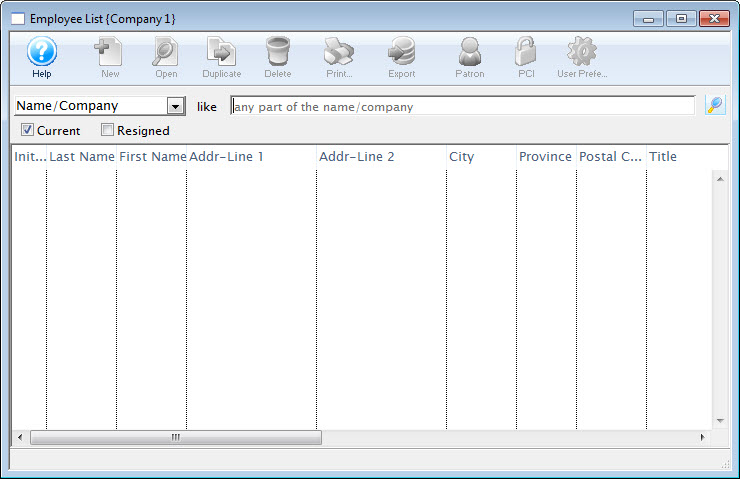
To access all employees leave the From and To fields empty.
- Click the Search
 button.
The results of the search are displayed in the Employee List window.
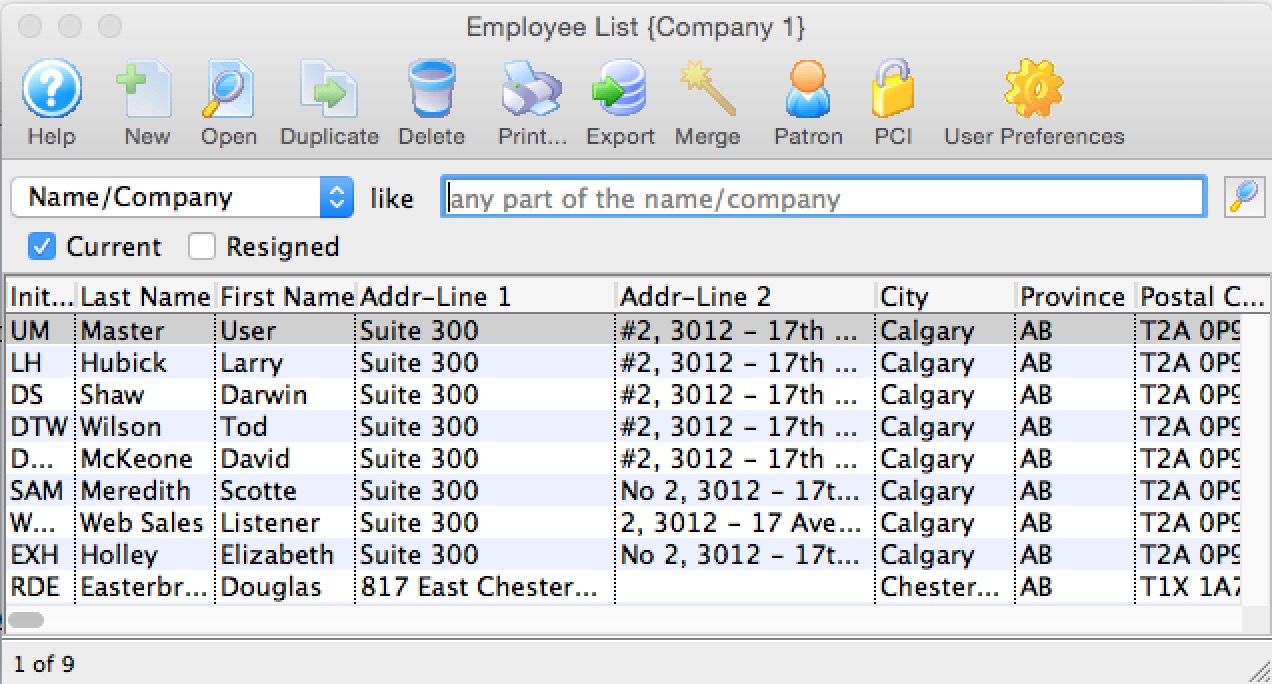
For more information on the Employee List window click here.