Copy Access from one Employee to another
Copy Access from one Employee to another
When inserting a new employee record it may be decided the new employee should receive the exact same access levels to Theatre Manager as a pre-existing employee. If so, copy the access from the existing employee to the new employee. This is a time saving feature so access to data and function levels do not have to be hand-picked for each employee. This function is only used for employees who have Normal Access, as Master Users already have access to everything.
- Open the Employee List window.
Click here to learn how to access the Employee Data window.
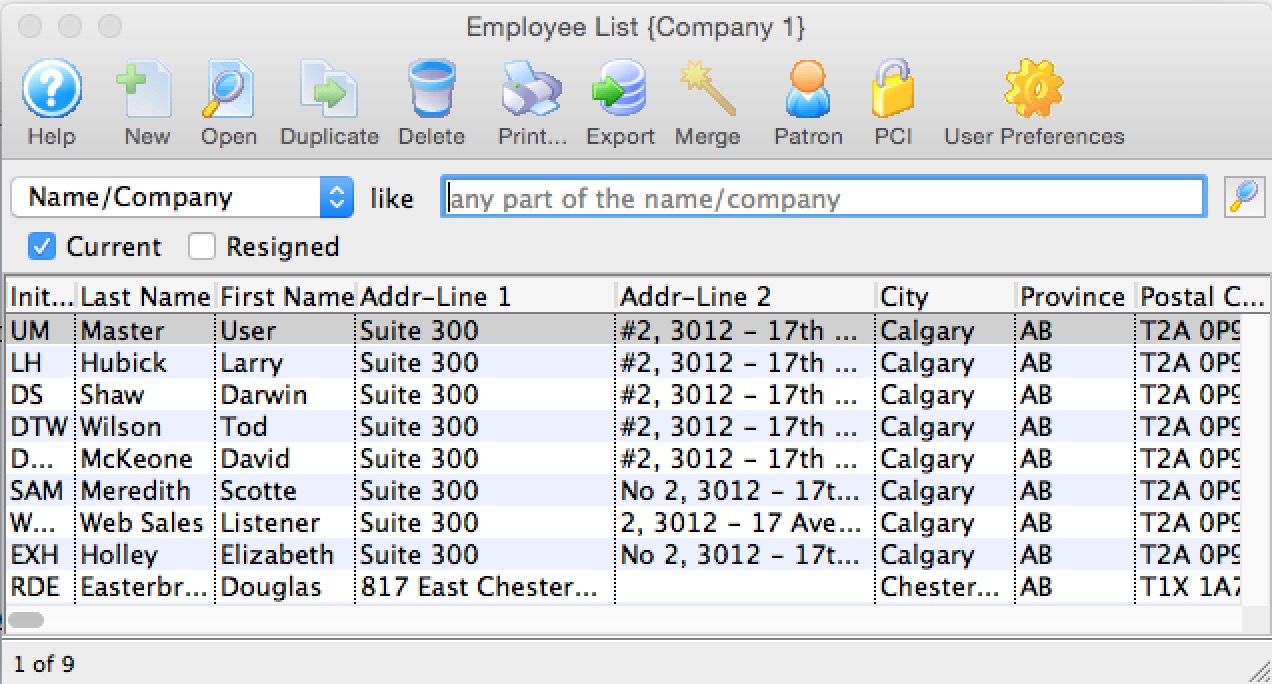
- Select the Employee to copy the access to.
Single click on the employee line to select it.
- Click the Open
 button.
The Employee Data window opens.
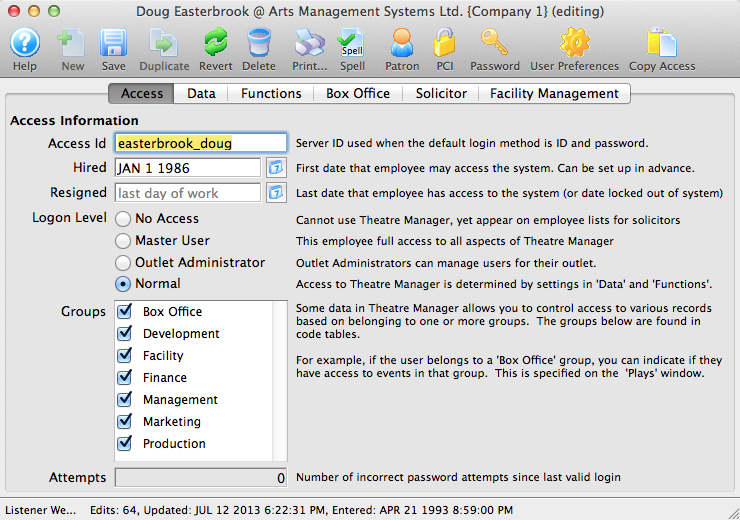
- Click the Copy Access
 button.
The Employee List opens.
- Click the Search
 button.
These are the employees access can be copied from.
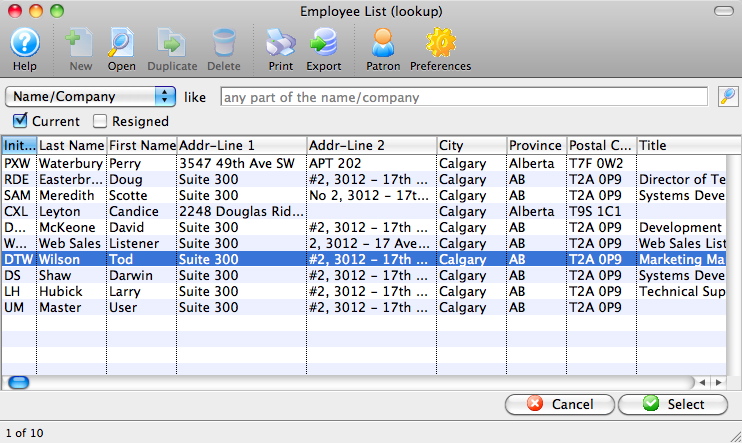
- Select the Employee to Copy Access from.
Single click on an employee to select them.
- Click the Select
 button.
This completes the process. The employee access has been copied.