Editing a Donation Giving Level Matrix
Editing a Donation Giving Level Matrix
 |
The rules for creating a giving level are
|
|
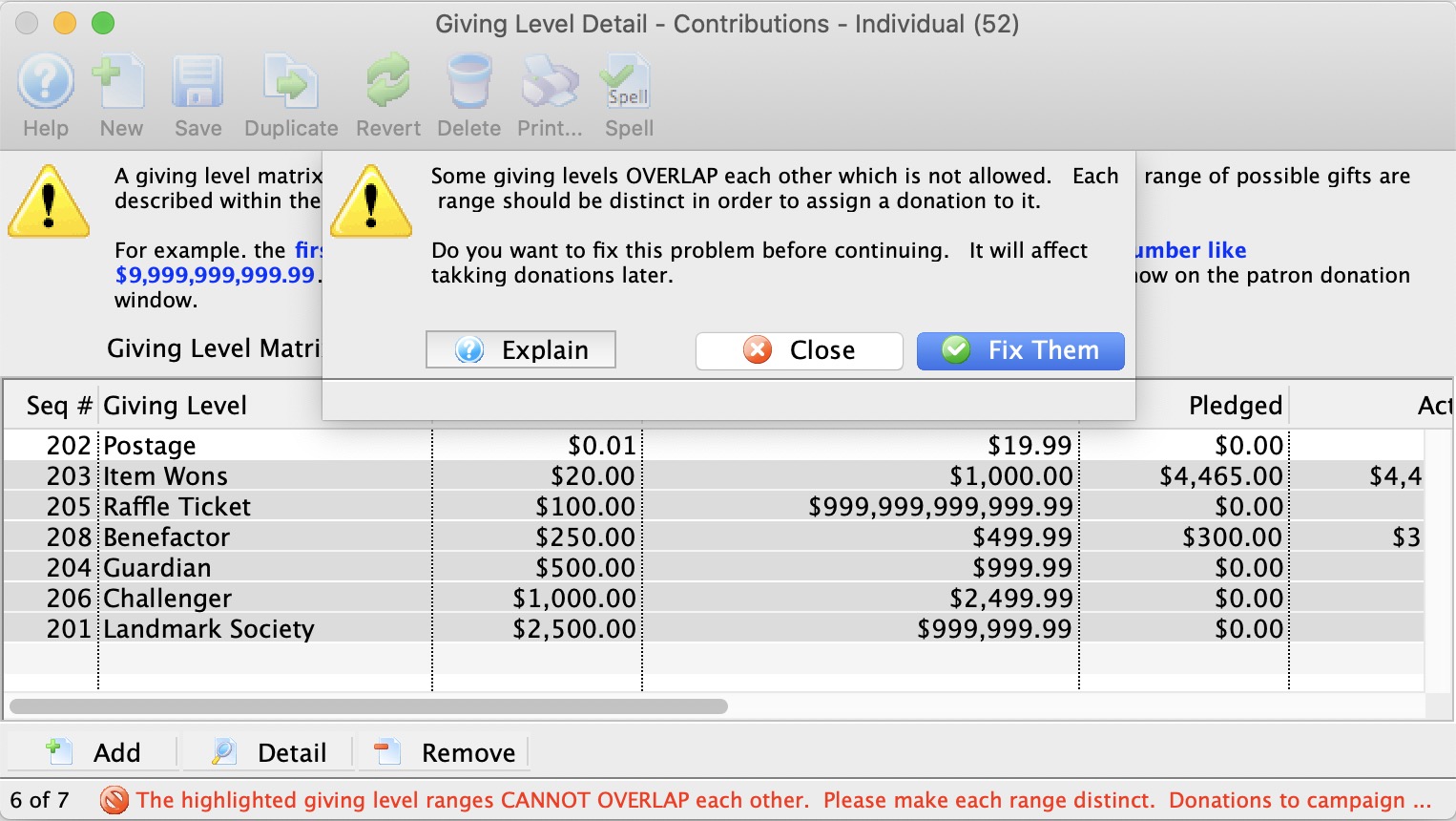 If a range overlaps, you will see a message like the one to the right imploring that they be fixed. In this case, all but one of the amount ranges overlap at least one other. Overlapping means that the end of one range is the same or after the beginning of any other range (or vice versa). Often, fixing one range to not overlap, may fix others. |
To edit a Donation Giving Level matrix, you perform the following steps.
- Open the Donation Giving Level window.
Click here to learn how to access this window.
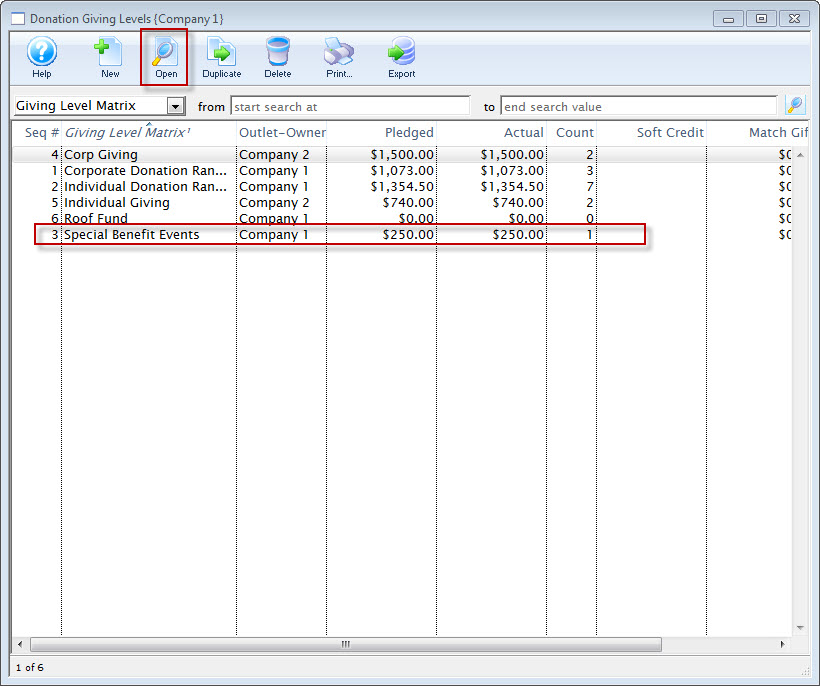
- Click on the Giving Level Matrix you wish to edit.
- Click the Open
 button.
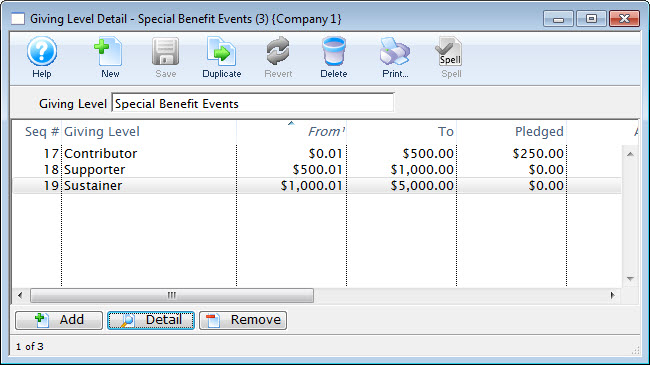
The Giving Level Detail window opens.
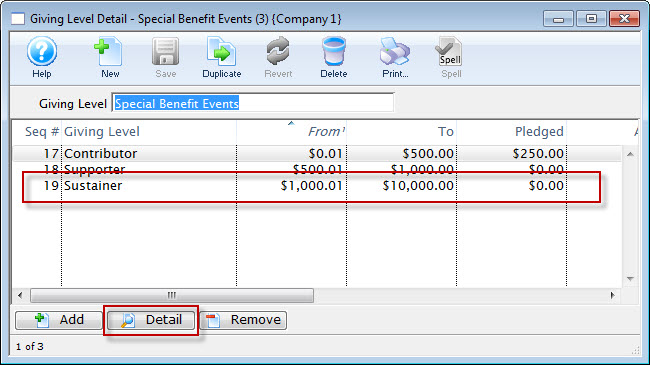
- Select the level to be edited and click the Detail
 button.
The Giving Level window for the selected level opens.
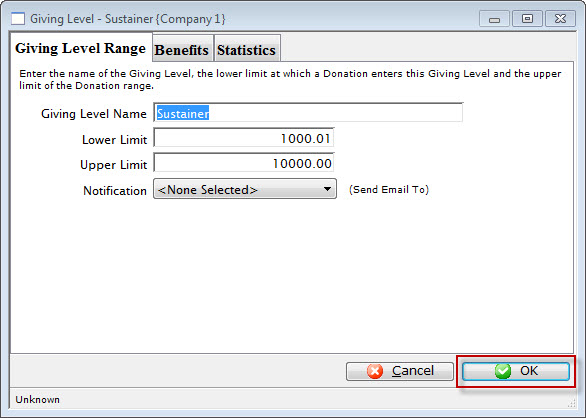
- Change the required data.
- Click the OK
 button.
The changes are saved and the new data is displayed in the Giving Level Detail Window.