Editing a Donation Campaign
Editing a Donation Campaign
- Open the Donation Campaign window.
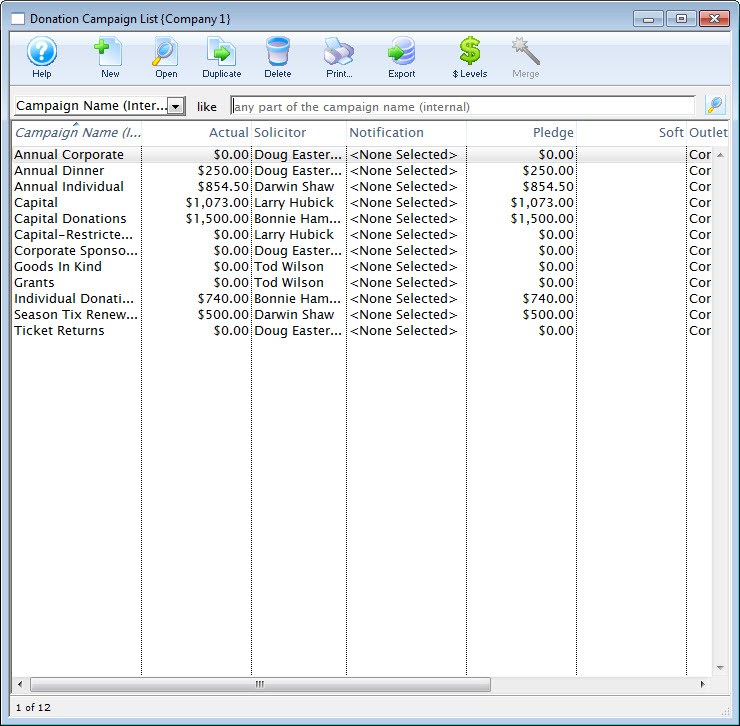
Click here to learn how to access this window.
- Select the campaign you wish to edit.
Single click on a campaign to select it.
- Click the Open
 button.
The Campaign Detail window opens.
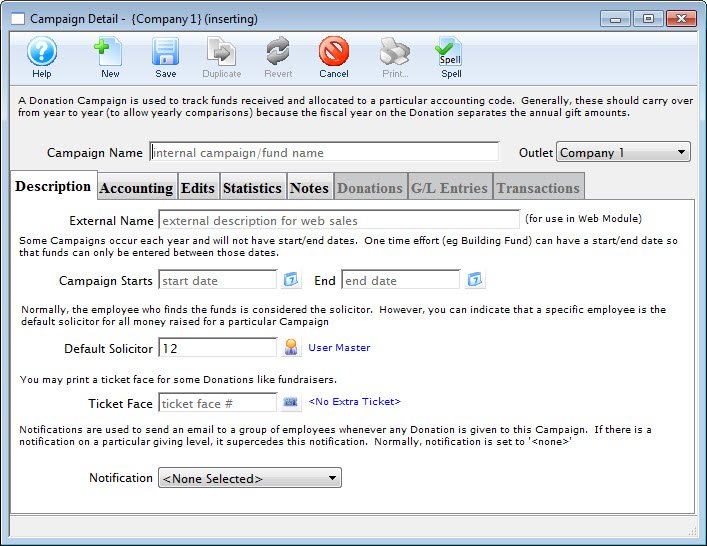
- Change the required data.
- Click the Save
 button.
The changes are saved and the new data is displayed in the Donation Campaign window.