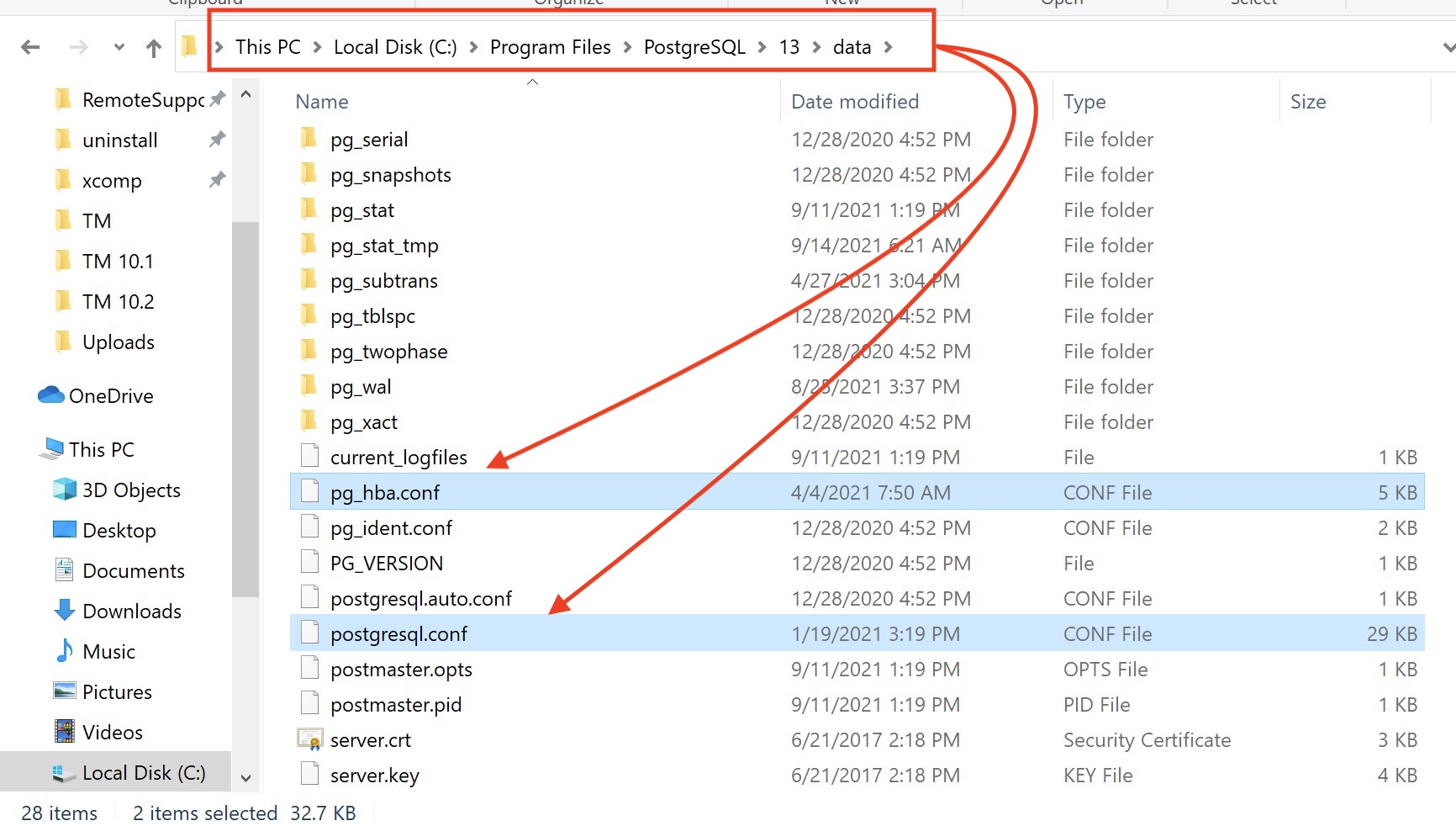
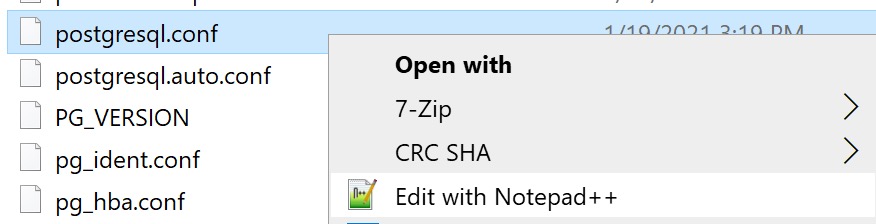
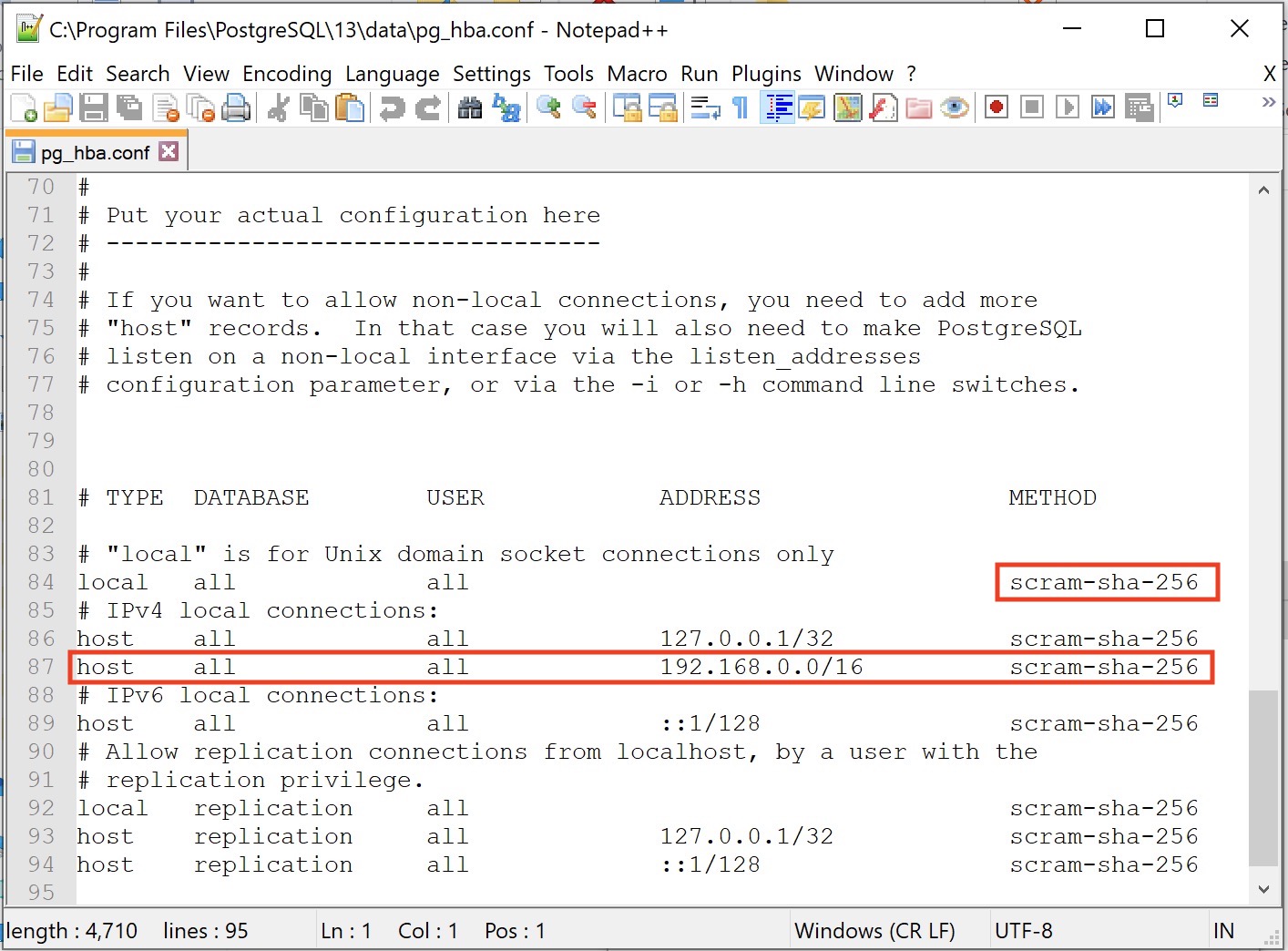
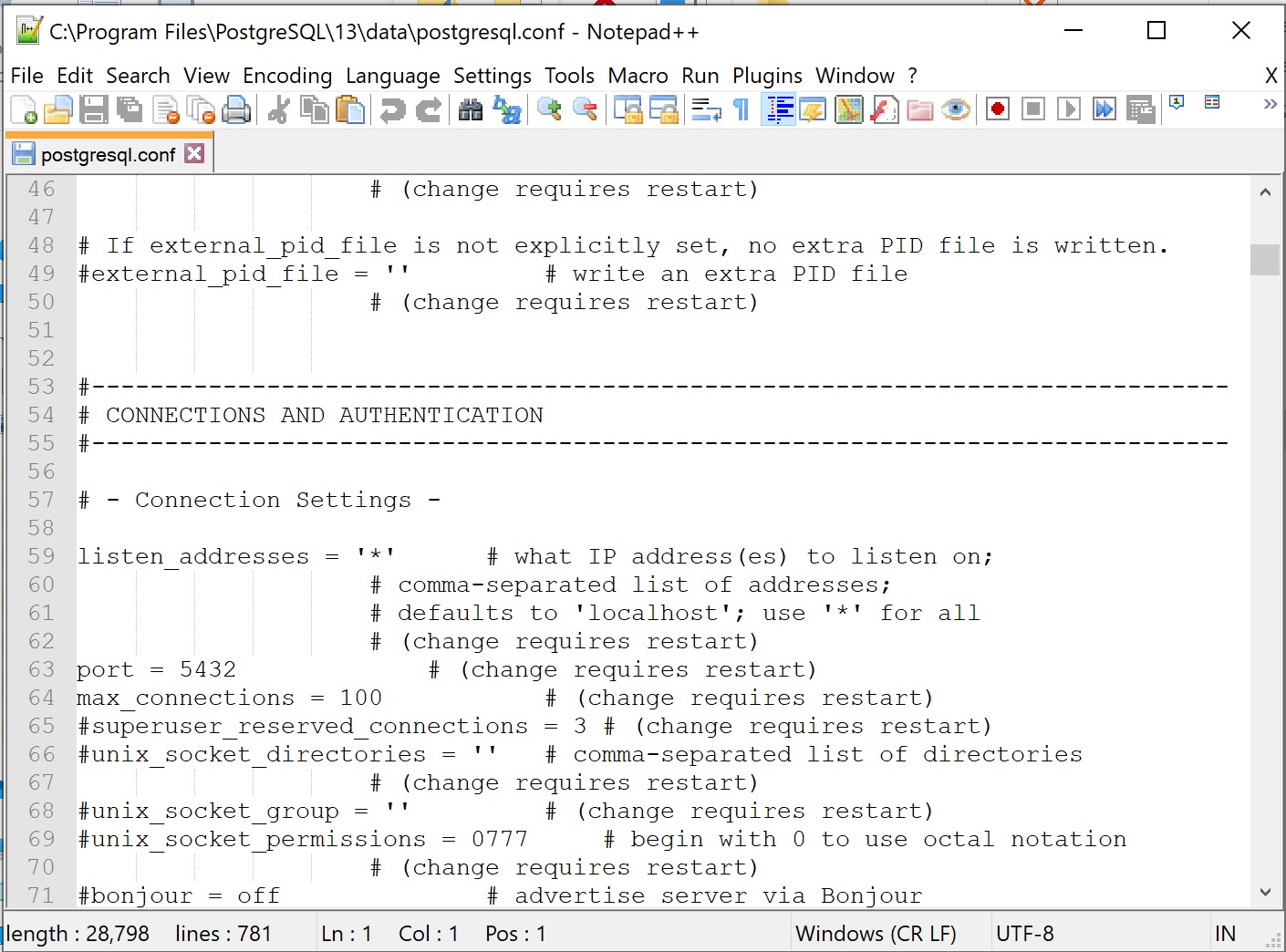
| Go to the Tools menu and pick Server Configuration-> postgreSQL.conf file. |
 |
You will then see a list of properties of the database server that can be configured.
|
 |
|
Unfortunately, they are not in alphabetical order, so you may need to scroll up and down to find the ones that are in the list below. We've tried to put them in the order that you will find them in the config file. (see *****)
Do not change any parameters other than the suggested ones, or unless you have been advised to do so by an expert in PostGres databases.
For any setting that is about disk space or memory, you can type 1GB, 1000MB, 1000000KB and they are the equivalent. Do not leave a space between the number and the memory amount at the GB, MB or KB otherwise postgres will not start.
|
To edit any one of the lines, scroll to find it and then double click on it.
|
 Most of the parameters will tell you something about them. The key values to edit are:
- The 'Enabled' flag. If you want to turn a parameter on, then click enabled
- Value - is what you want to set the parameter to. There are specific values for some of the parameters as described in the table below
- Comment - this may exist as a description of what the parameter is.
|
***** Find and edit the parameters in the list to the right and change them to the suggested values, if they are not already set to that value.
|
| listen_addresses |
This value should always = '*' |
| effective_cache_size |
This value should be about 512MB on a 4GB system, perhaps 1024MB on a larger system. Set the Shared memory first. In all cases the total of shared + effective must be less than available ram. |
| maintenance_work_mem |
This value should be 50 MB for machines with 1 GB of RAM or more and 20 MB for those with less. Enter values as xx MB. |
| shared_buffers |
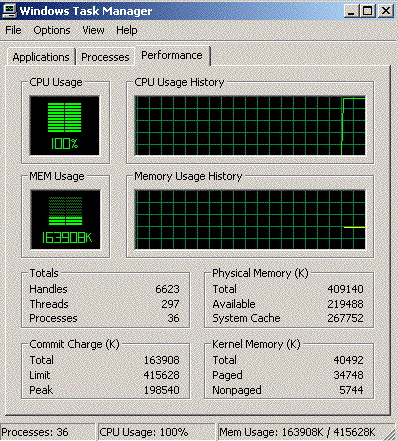
This value should be 20-25% of the total system total RAM. You find this value on the task manager as the total phyiscal memory. Enter values as xx MB.
Note: if you are using 64 bit server, the current maximum for this parameter seems to be 1024MB. If you make it more than that, please check that Postgres will start up when the server is rebooted. If not, adjust this parameter so that it is 1024MB or lower. |
| temp_buffers |
This value should be 50 MB for machines with 2GB of RAM or more and 20 MB for those with less. Enter values as xx MB. |
| work_mem |
This value should be 50 MB for machines with 1GB of RAM or more and 20 MB for those with less. Enter values as xx MB. |
|
| |
Note: the best place to get memory values is from the 'Activity Monitor' on the 'Task Manager'. See an example below for what this screen looks like.
To find it, right click on the task bar and pick 'Task Manager'.
 |
|
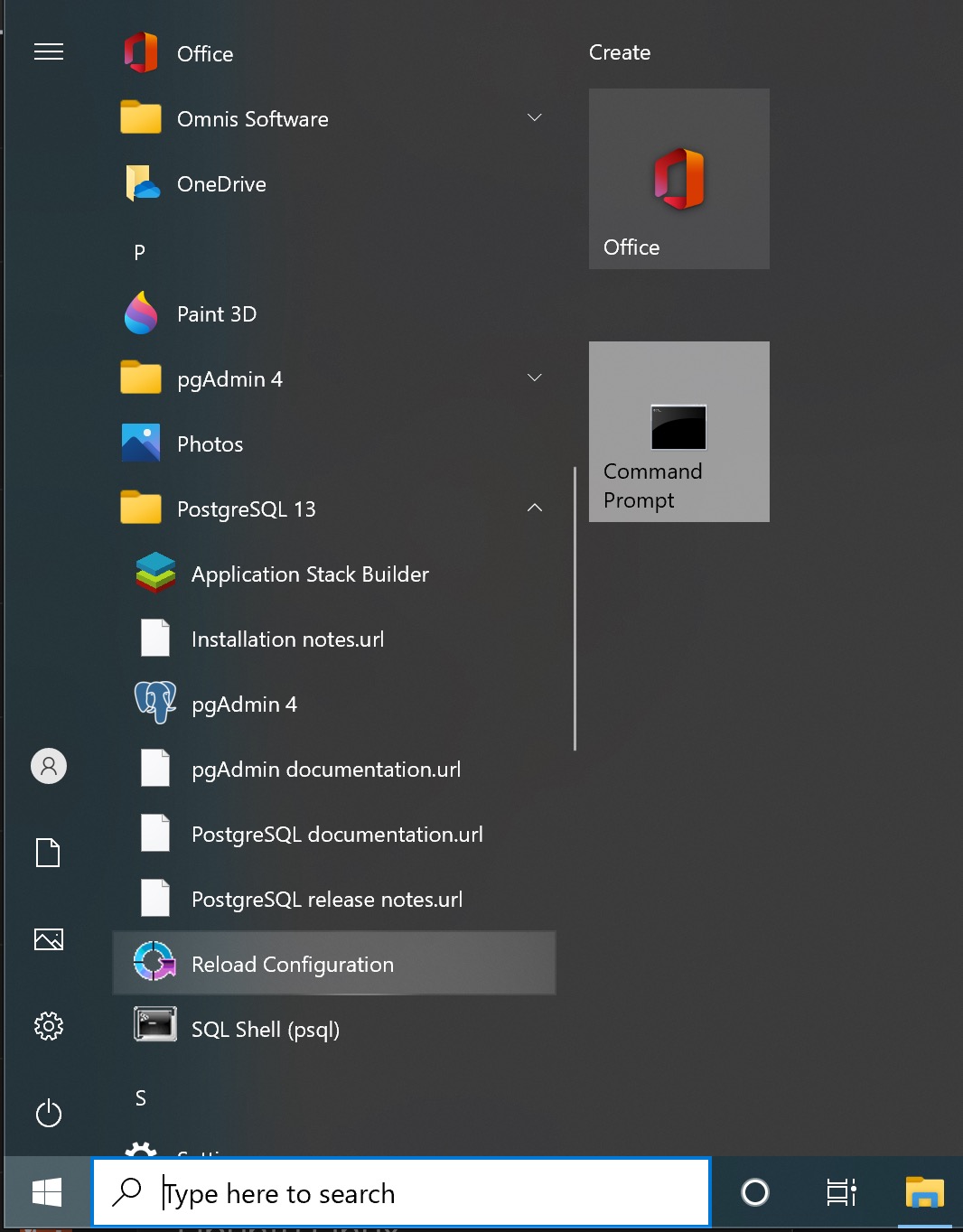
Once the changes are made, go to the 'File' menu and pick 'Reload Server' (alternatively, use the green arrow on the toolbar that is the 3rd icon from the right).
You will be asked to confirm the changes.
|