
Main menu
You are here
Fee & Taxes Tab

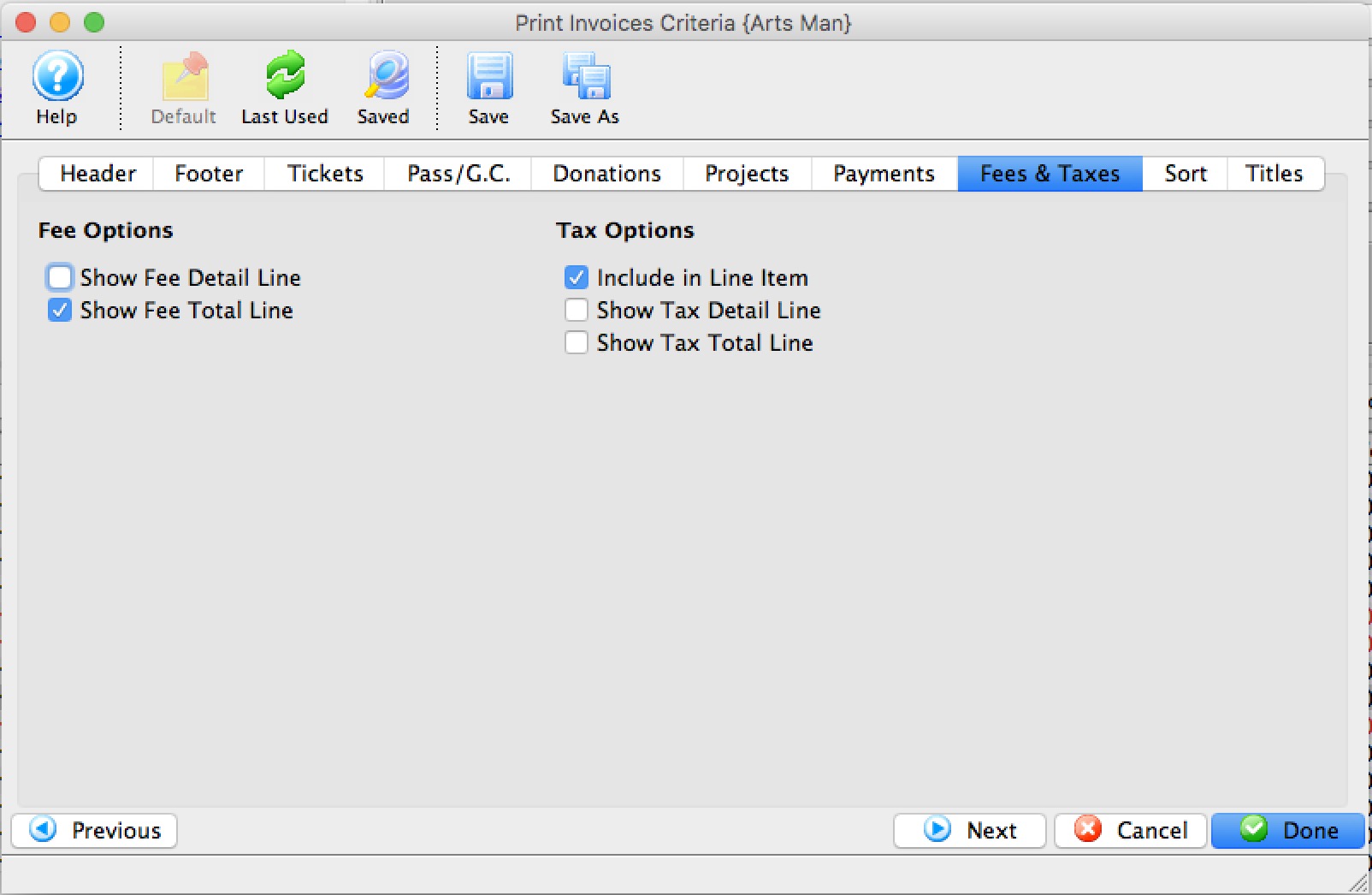
Parts of the Fees & Taxes Tab
 |
If available, uses the default search criteria for this report. |
 |
If this report has previously been run, this button will add the previous criteria. |
 |
Opens a list of saved criteria for this report. |
 |
Saves the current criteria to be used later. |
 |
Saves the current criteria to be used later and opens a dialog to name this criteria. |
Fee Options |
|
| Show Fee Detail Line | When checked, the fees for the invoice will be listed in detail. |
| Show Fee Total Line | When checked, the fees for the invoice will be summarized into a single line. |
Tax Options |
|
| Include in Line Item | When checked, taxes for tickets, fees, passes, etc will appear with each line in the detail on the invoice ... or consider it showing each price with 'tax included'. Using this may mean you do not want to have some of the other tax options checked. |
| Show Tax Detail Line | When checked, the taxes for the invoice will be listed in detail. |
| Show Tax Total Line | When checked, the taxes for the invoice will be summarized into a single line. |
 |
Returns to the previous tab. |
 |
Moves to the next tab. |
 |
Cancels that adding of criteria and returns the user to the Report window. |
 |
Completes the addition of criteria and the sorting of data, and begins to generate the report. Click here for more information on the Finished Report window. |
Diataxis: