
Main menu
You are here
Personnel Management - Editing Volunteer Activity History

- Find the Patron Record and open the Volunteer Window.
- Click on the Volunteer activity you want to update in the bottom section of the window.
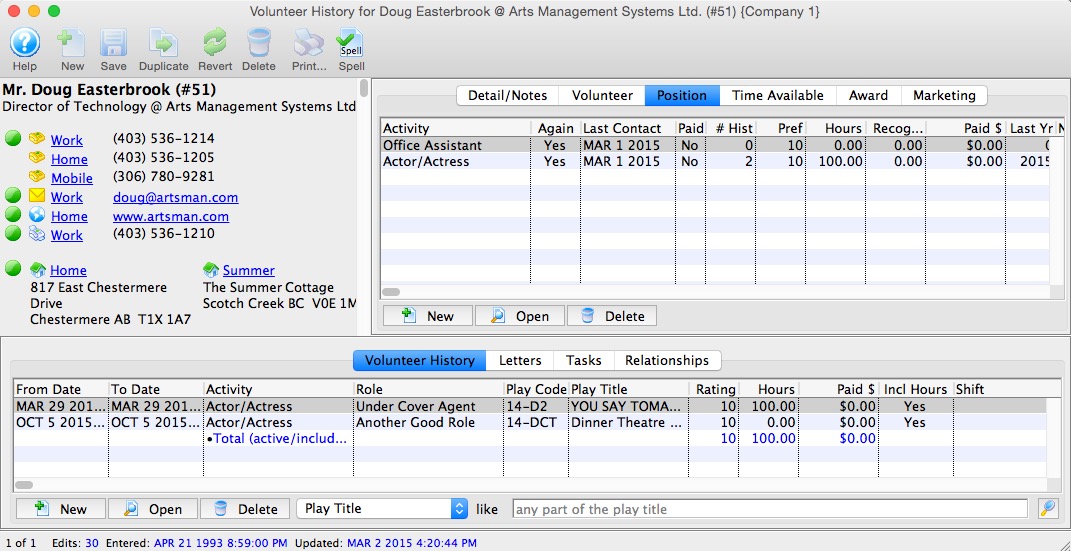
- Click on the Open
 button.
A detail window for the activity will open.
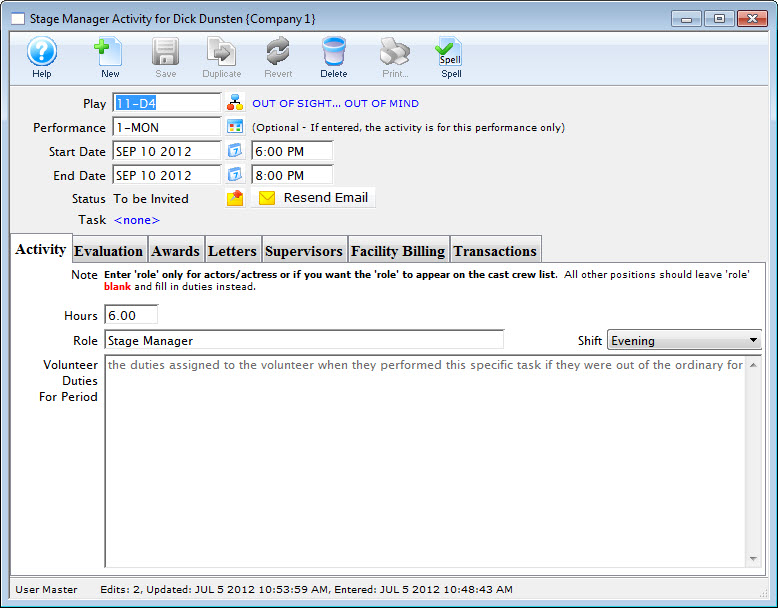
- Edit the information.
- Click the Save
 button.