
Main menu
You are here
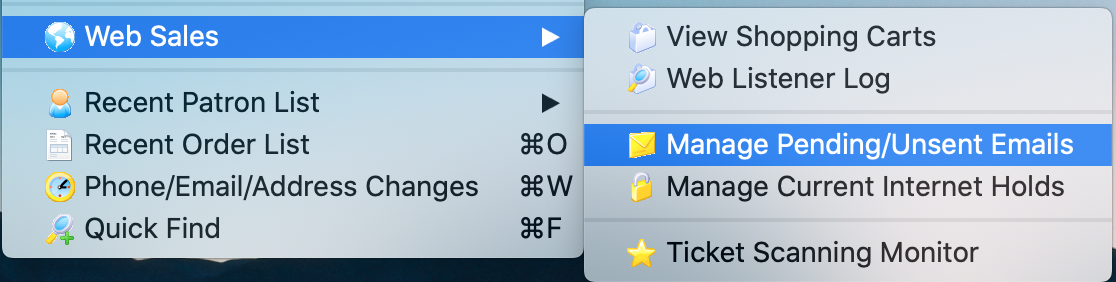
Manage Pending/Unsent Emails

 |
Theatre Manager sends emails within 15 seconds after a customer causes one to be issued by the web site or from an email blast initiated by staff. This window only shows emails that are waiting to be sent Not Done or where an attempt was made to send them and there is an error
If you want to see when emails were sent, refer to this help page for the web listener log |
Typical Reasons Why Emails May Not Be Sent
Sometimes, emails may not get sent and manage email window allows you to review email issues on a daily basis.
- The patron asked for a password reset and did not get it. It is worth checking the web listener logs to make sure they typed their email correctly and/or it is in the database.
- You are using Gmail or Office 365 and are getting rate limited.
There gotcha's and limitations to using a free service like Gmail or Office 365 and we recommend against them for this reason. For our cloud clients, we use Mailgun. - Check your email setup to ensure credentials are correct. It could be one of three places:
- Company Preferences-Web Server if the email was coming from the web services such as for online purchases or eblasts
- Employee Email Setup if the email was sent using an individual employee's email
- Company Preferences-Meeting Server if the email was a meeting invitation sent by the facility management module.
- Look at the Manage Email window. You can:
- Review the error log on any one email that was not sent. You can use that on the troubleshooting procedures.
- some SMTP error messages and correction strategies may be especially interesting. - especially if your error is [10060] - unable to connect to mail server.
- If customers complain that they didn't get an email, then look at past history of emails/form letters that were queued to send (if you cannot see them in the pending email list, it probably means that:
- TM sent them to your SMTP server (you can check your SMTP Server logs) -and-
- The emails got lost between you and the patron -or -
- The emails went into the patron's junk mail folder -or-
-
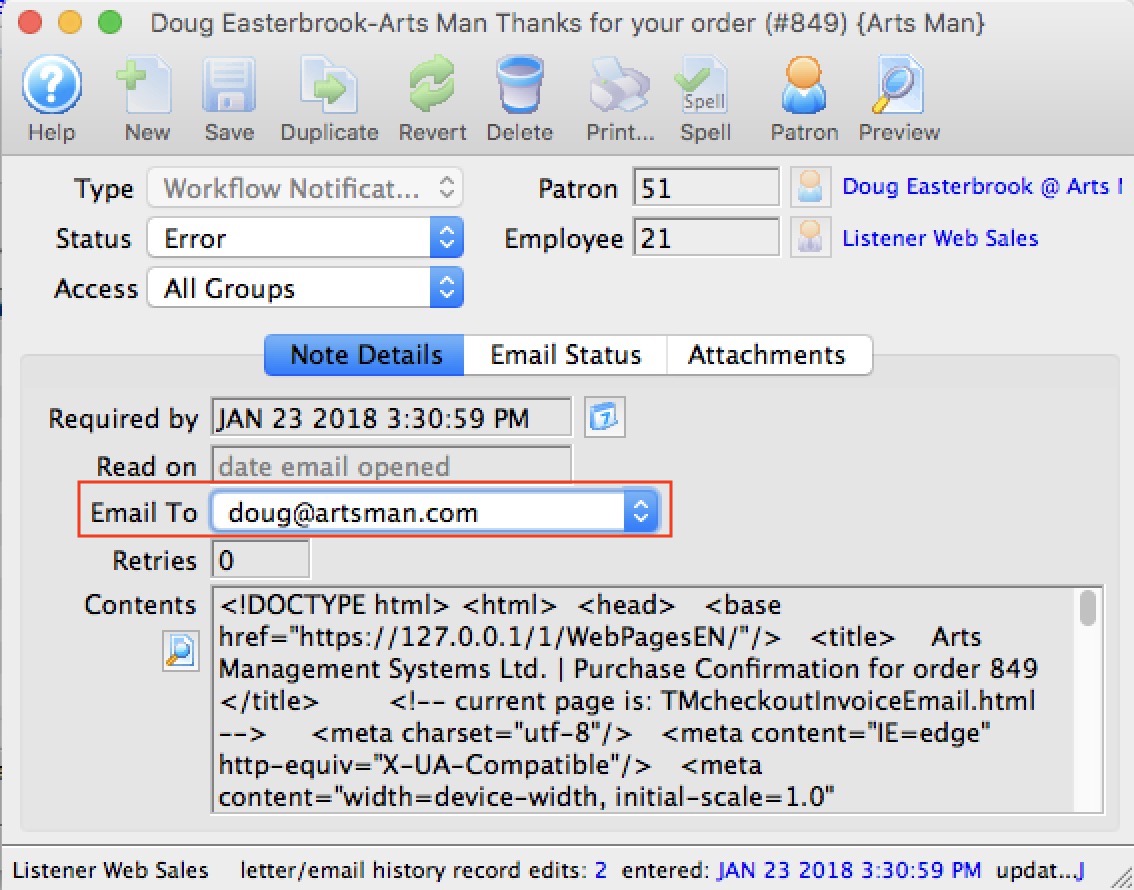 The patron was in a rush and typed an invalid email address or spelt their email address incorrectly. Some mistakes may seem pretty obvious or the patron may confirms a correction. eg, they put in:
- sheldon@gailm.com instead of sheldon@gmail.com or
- penny@yahoo..com instead of penny@yahoo.com
- Correct any obvious mistakes in email address in the patron contact card
- Double click on the email line and edit the email address to use the new email
- TM will mark the email as not done and then send it using the new email address
- your service provider forces you to change passwords every so often
- or some issue with your email service provider such as:
- Some server setting preventing relaying, which would show up in the log on a particular email, or
- Review some catch-all email troubleshooting procedures if something above isn't helpful.
Managing Emails that did not get sent
To Manage Pending or Unsent emails, select menu item Patron Sales >> Web Sales >> Manage Pending/Unsent Emails.. Once you have solved the reason emails were not sending, this window allows you to resend any in error, or pause some while you are looking for the issue.
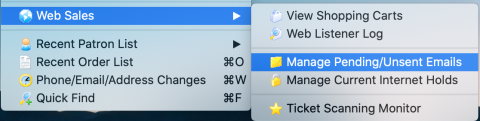
From the main menu bar, go to Patron Sales>>Web Sales>>Manage Pending/Unsent Emails.
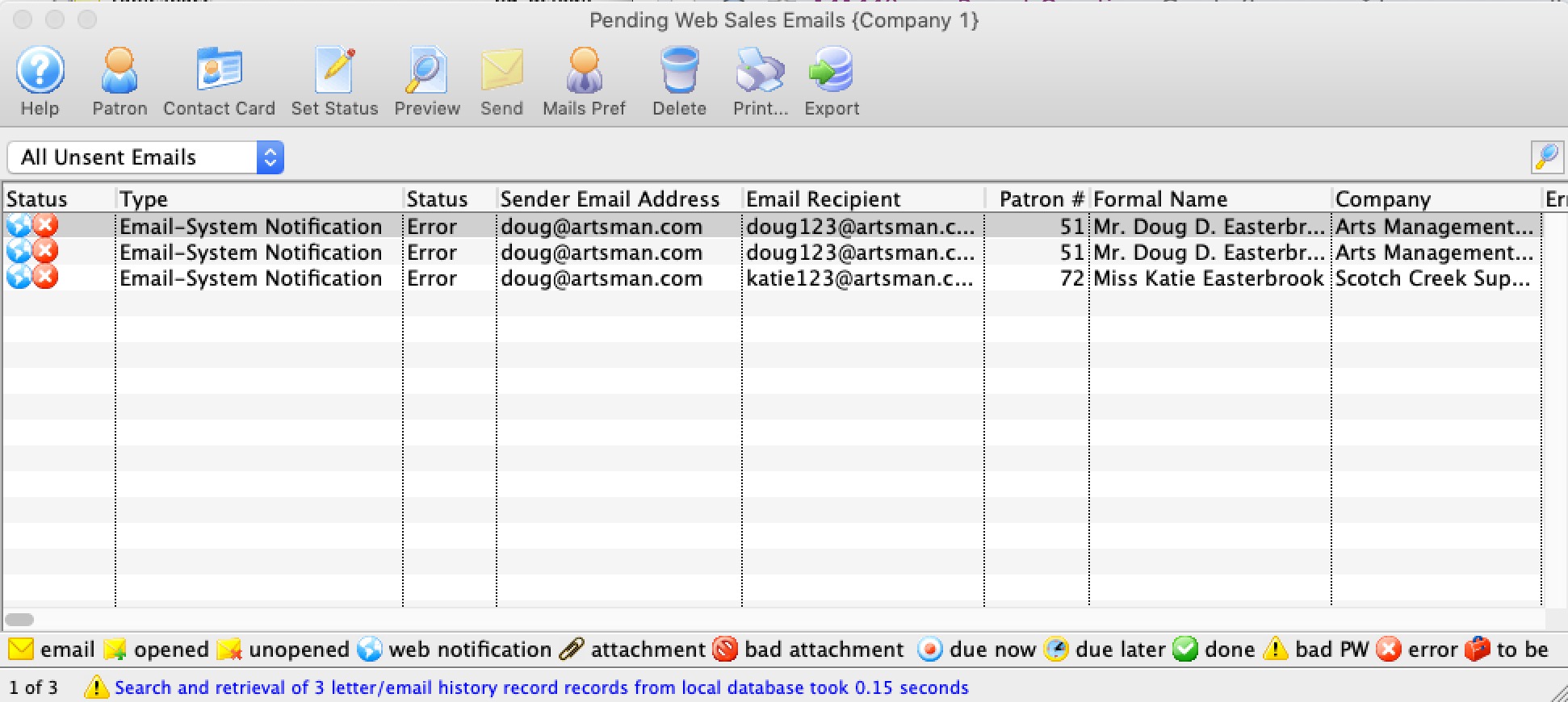
This will display a search list of all unsent emails.
|
Search for pending/unsent emails and then double click on one of them to look at the specific error in the email- if any. This will help determine the course of action, which might be one of those below. |
| Option | Action |
| Patron | Clicking the patron button after selecting an email in the list will open the patron window to whom the email is being sent. You can edit the primary email address and correct it for the future.
You should take this action if you can see that the email address was obviously spelled incorrectly. You may want to contact the patron and get the correct spelling of the email address. |
| Contact Card | This opens the patrons contact card directly so that you can edit the email address to correct it and/or add one in if it is not there.
After correcting an email address for the patron, double click on the unsent email and change the outgoing email address to the one you just entered and the email will reset and then send in a while. |
| Set Status | An email has 3 status codes. It can be Not Done, Done, or be in Error. All emails on this window generally are in in the Error or Not Done status as that is what the purpose of this window is.
Actions that can be take are:
You should take this action if the error message indicates that there was an issue talking to the SMTP server that has been corrected -OR - after correcting an email address. |
| Preview | This allows you to view the contents of the email. |
| Send | Will allow you to change wthen the selected emails may be sent. You can elect send them:
|
| Mail Pref | this will open the mail preference setting of the sender (or company preferences if its a company email) so that you can correct any incorrect password or SMTP settings. |
| Delete | This allows you to view the delete the selected emails completely from the system as long as they are not part of a pledge reminder. |
| This allows you to print the selected rows and columns to the printer | |
| Export | Export the selected records in the list |