
Main menu
You are here
Finding a Membership, Pass,G/C using the Control Number

A Membership, Pass,G/C can be located using the Control Number in the Contact List window. A Control Number is a number associated with a Membership, Pass,G/C that Theatre Manager uses to identify and track the specific membership within the system. A control number must be assigned with each membership, and is defined in the EDITS tab of the Membership Setup. For more information on Control Number setup click here.
- Click the Contact List
 button in the toolbar.
The Contact List window opens.
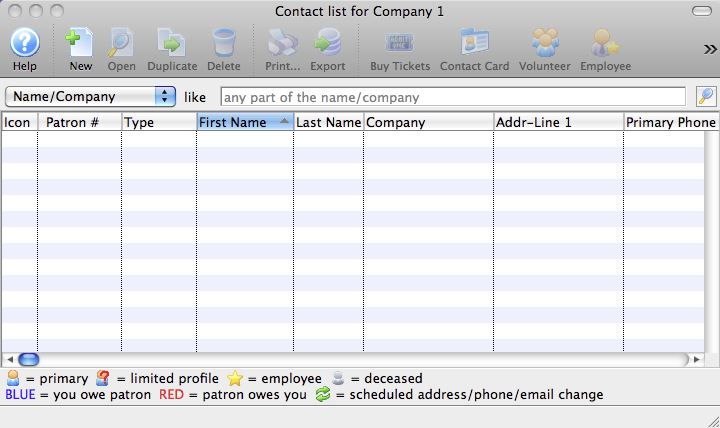
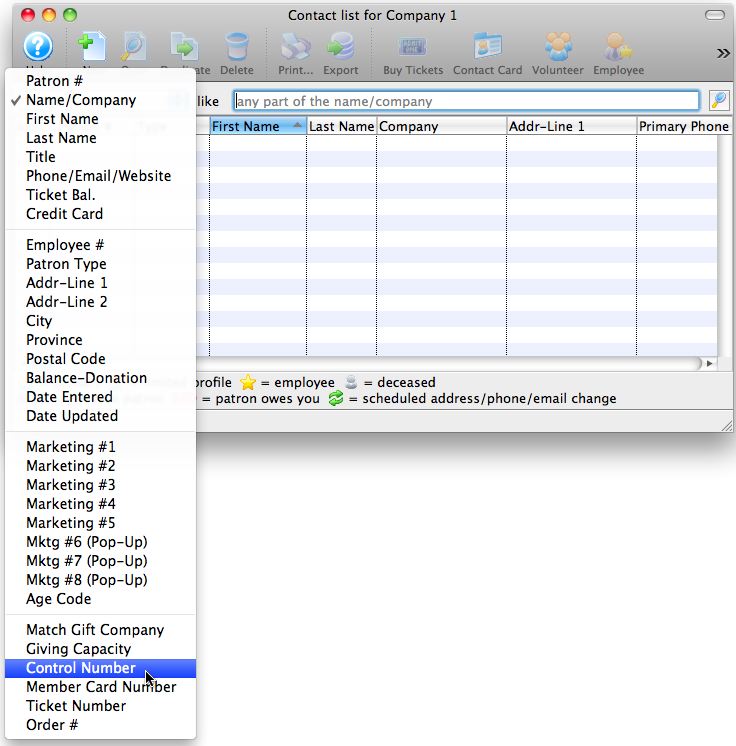
- Change the search option to Control Number.
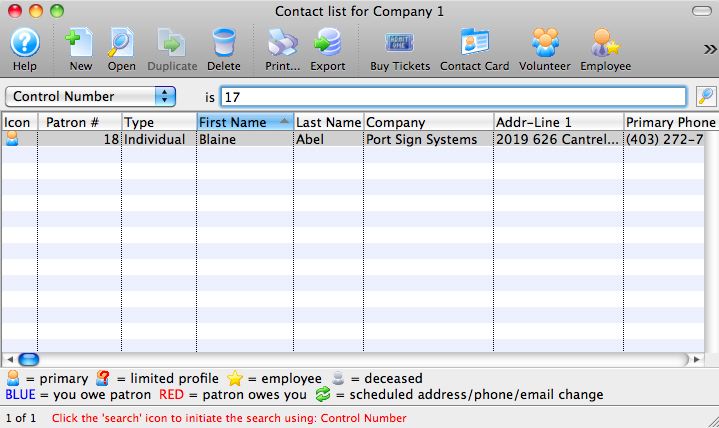
- Enter the Control Number to search for.
- Click the Search
 button.
The results fitting the parameters are displayed.
To access the Membership, Pass,G/C double-click on the patron and click the Membership, Pass,G/C
 tab.
tab.
Diataxis: