
Main menu
You are here
Letters Tab

For instructions to create, edit and manage form letters Click here.
The Letter Tab displays a list of letters or emails that have been sent or are scheduled to be sent to the patron.
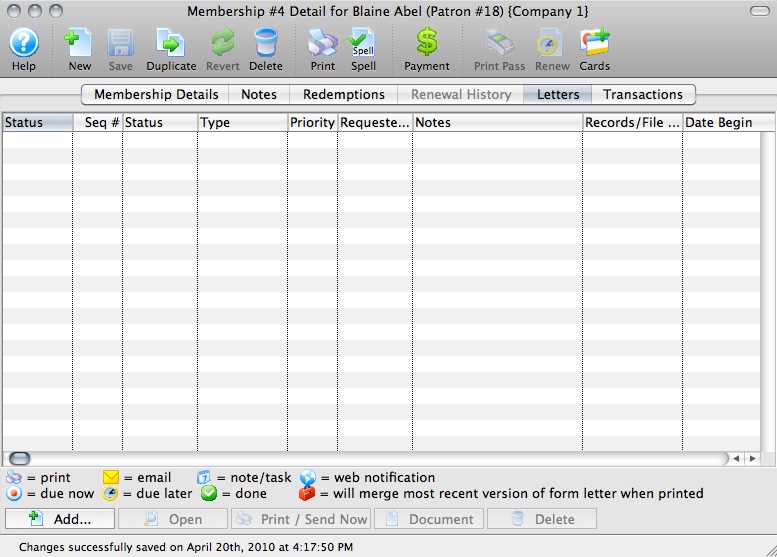
Parts of the Letters Tab
| Status | Status of the letter/email. See the key at the bottom of the Membership Detail window. |
| Seq # | Internal Sequence number of the letter/email. |
| Status | Not Done/In Progress/Done status of the letter/email. |
| Type | How the letter/email was added to the membership record. |
| Requested By | The User who requested that the letter/email be sent. |
| Notes | Title of the letter/email. |
| RecordsFile Connection | The data file the letter/email was drawn from. |
| Date Begin | Date and Time the letter/email was requested. |
| Date End | The Date and Time the letter/email task status was set to 'Done.' |
| Date Printed | If different than the date/time the task was completed, the Date and Time the letter was actually printed. |
Diataxis: