
Main menu
You are here
Form Letter List Window

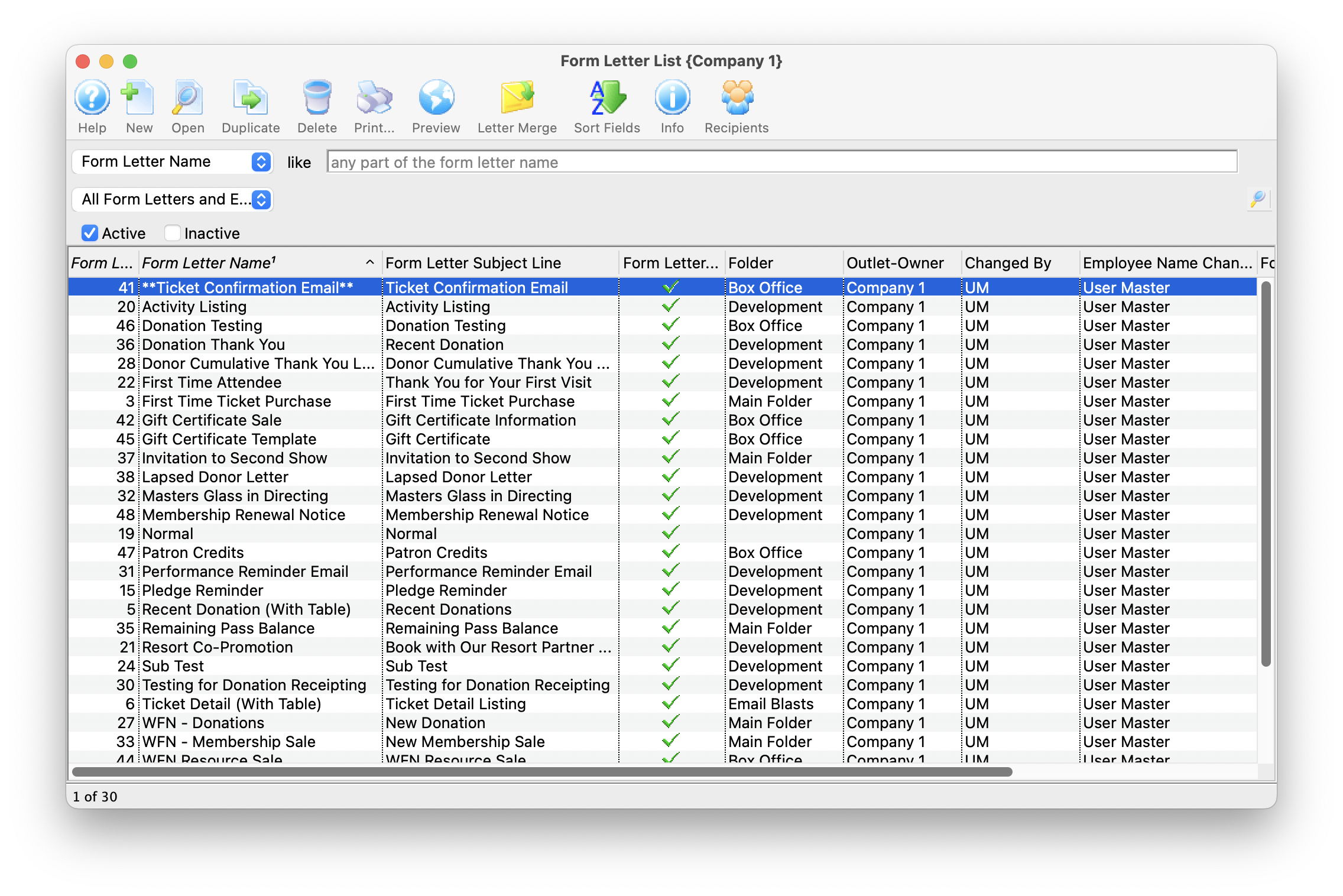
 The Form Letter List Window is opened by accessing the Form Letters Menu >>
Letters >> Open or Rename Form Letters or by clicking on the Letters button on the main toolbar.
The Form Letter List Window is opened by accessing the Form Letters Menu >>
Letters >> Open or Rename Form Letters or by clicking on the Letters button on the main toolbar.
Quick Reference information (Quick Reference Guides, Cheatsheets and Videos) is available for some Form letter functionalty. Click here to access the Form Letter specific links.
Parts of the Form Letter List Window
 |
Opens the Form Letter Window and created a new Form Letter. Click here for more information on creating a Form Letter. |
 |
Opens the currently selected Form Letter. Click here for more information on finding a Form Letter. |
 |
Duplicates the currently selected Form Letter. Click here for more information on duplicating a Form Letter. |
 |
Deletes the currently selected Form Letter. Click here for more information on deleting a Form Letter. |
 |
Prints the currently selected Form Letter. Click here for more information on printing a Form Letter. |
 |
Displays the Form Letter Info Window for the currently selected Form Letter. Click here for more information on this window. |  |
Opens a list of patrons who have been sent correspondence from a selected Form Letter |
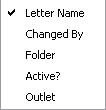 |
Drop down menu allowing for different ways to search for a Form Letter. |
 |
Allows for searching for a Form Letter via text matching the selected field in the Drop Down List. Pressing the search button with noting entered, displays the full listing of letters. |
| Letter Name | The file name of the letter currently displayed. |
| Active? | Shows whether the letter is currently active for use. |
| Is Template | Shows whether the letter is a template to be used for the creation of other letters. |
| Template Name | Shows the name of the template used in the creation of the letter. |
| File Name | The data set being used for the merge fields of the letter. |
| Folder | The folder that the letter is currently saved under. |
Diataxis: