
Main menu
You are here
Duplicating an Existing Form Letter

To modify a Form Letter without affecting all users, create a duplicate of the letter.
- Search for the Form Letter to duplicate.
Click here to learn how to find existing Form Letters.
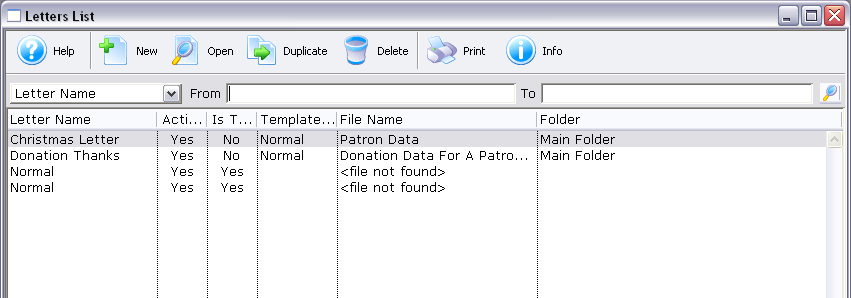
- Click on the Form Letter to duplicate.
- Click the Duplicate
 button.
A copy of the letter will be placed in the same folder and will appear in the list window. The letter can also be opened and duplicated from the Form Letter Window.
| You can download quick reference information on Duplicating a Form Letter by clicking on the icon. |
Flash |

