
Main menu
You are here
Exporting the Pricing Map Graphic

You may want to export a graphic file that has already been imported in Theatre Manager for editing.
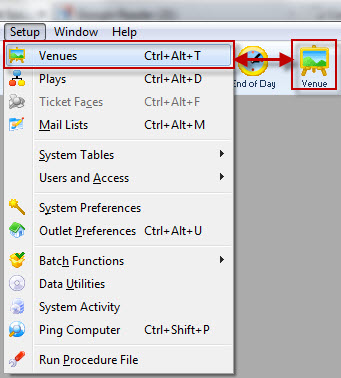
- Theatre Maps is accessed through the Setup >> Theatre Maps
menu.
Alternatively you can click on the theatre maps button on the main Theatre Manager toolbar / ribbon bar.
The Theatre Map List window opens.
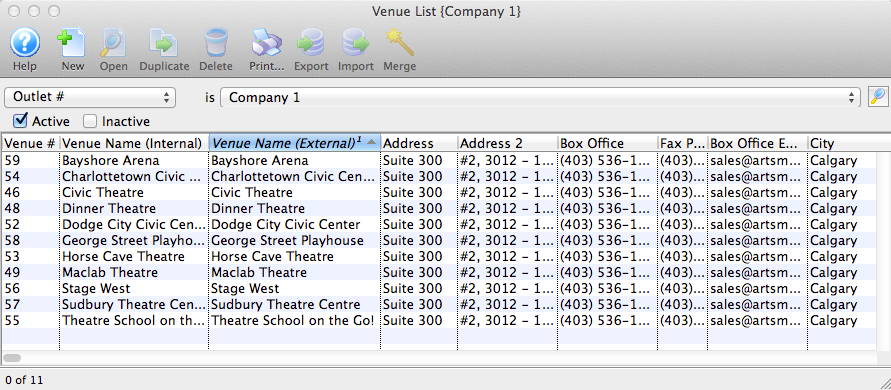
Click here, for more information on the Theatre Map List window.
- Chose the Map you want to view/edit from the list and click the Open
 button, alternatively, double click on the name of the map.
The Theatre Map window opens.
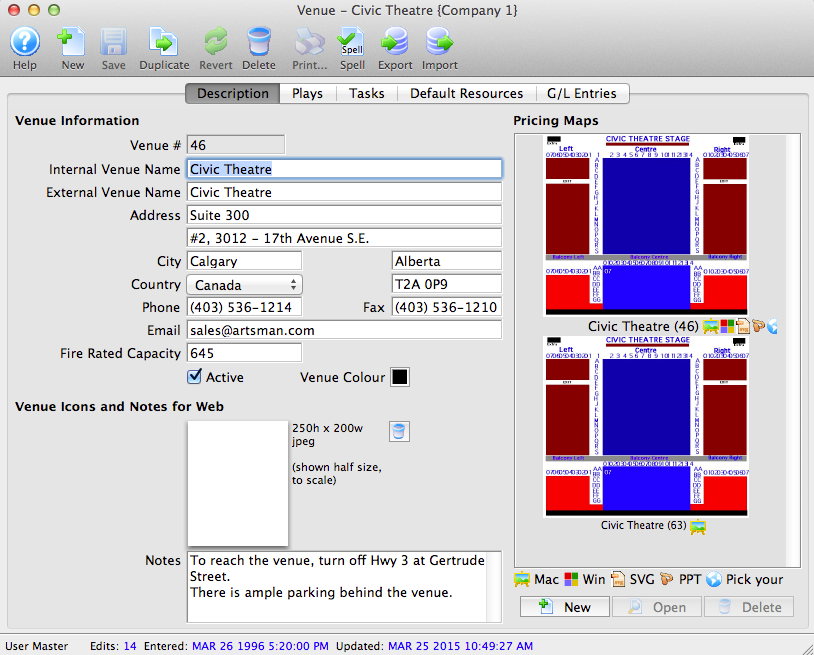
- Click on the Graphic Map
 tab.
tab.
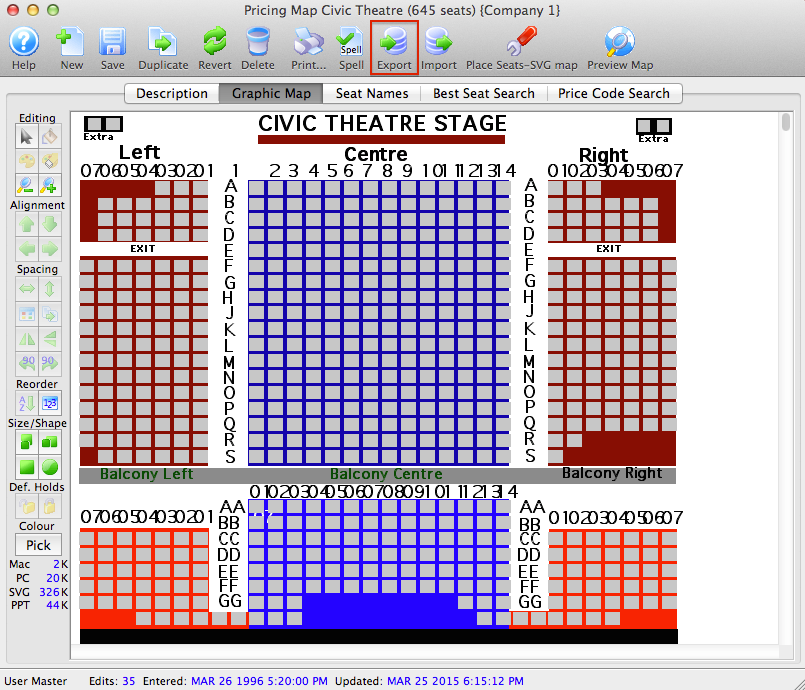
- Click the Export
 button.
A dialogue window will open allowing the option of exporting the Map as an SVG, PPT or JPG. The JPEG export will contain a picture of the entire map including the seats. The SVG will be only the graphical map without the seats. The size (in kb) is also listed with each file format.
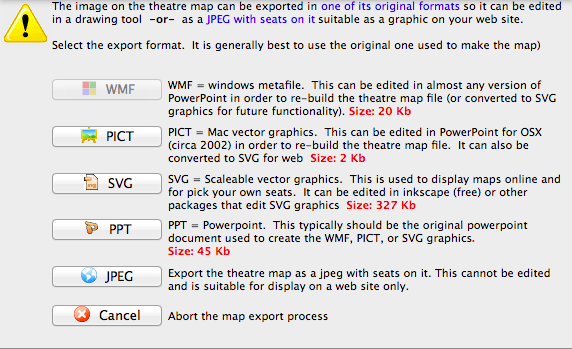
After selecting an export format, the Save File for your OS window opens.
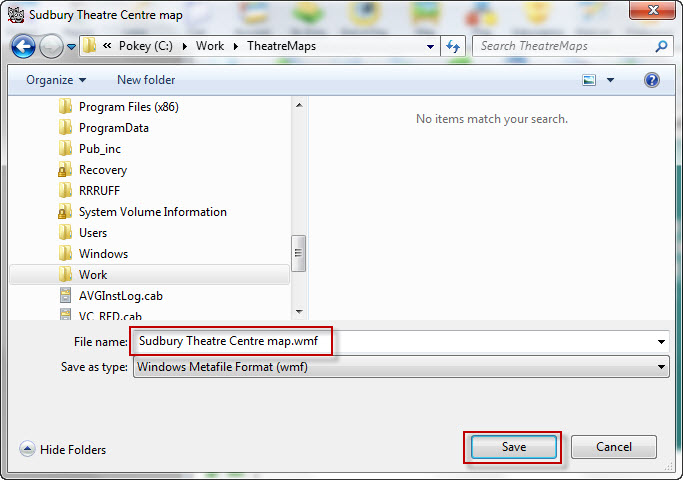
- Change the directory and/or the file name as required and click the Save
 button.
The file will be saved in the format specified and will be exported to the location specified and you can now change it as required.