
Main menu
You are here
Receipt Tab

In this window, you can Add, Edit and Delete donation receipt information.
 |
Please refer to receipt options to see how your choices of when and how receipts should be printed for the donation by Theatre Manager. |
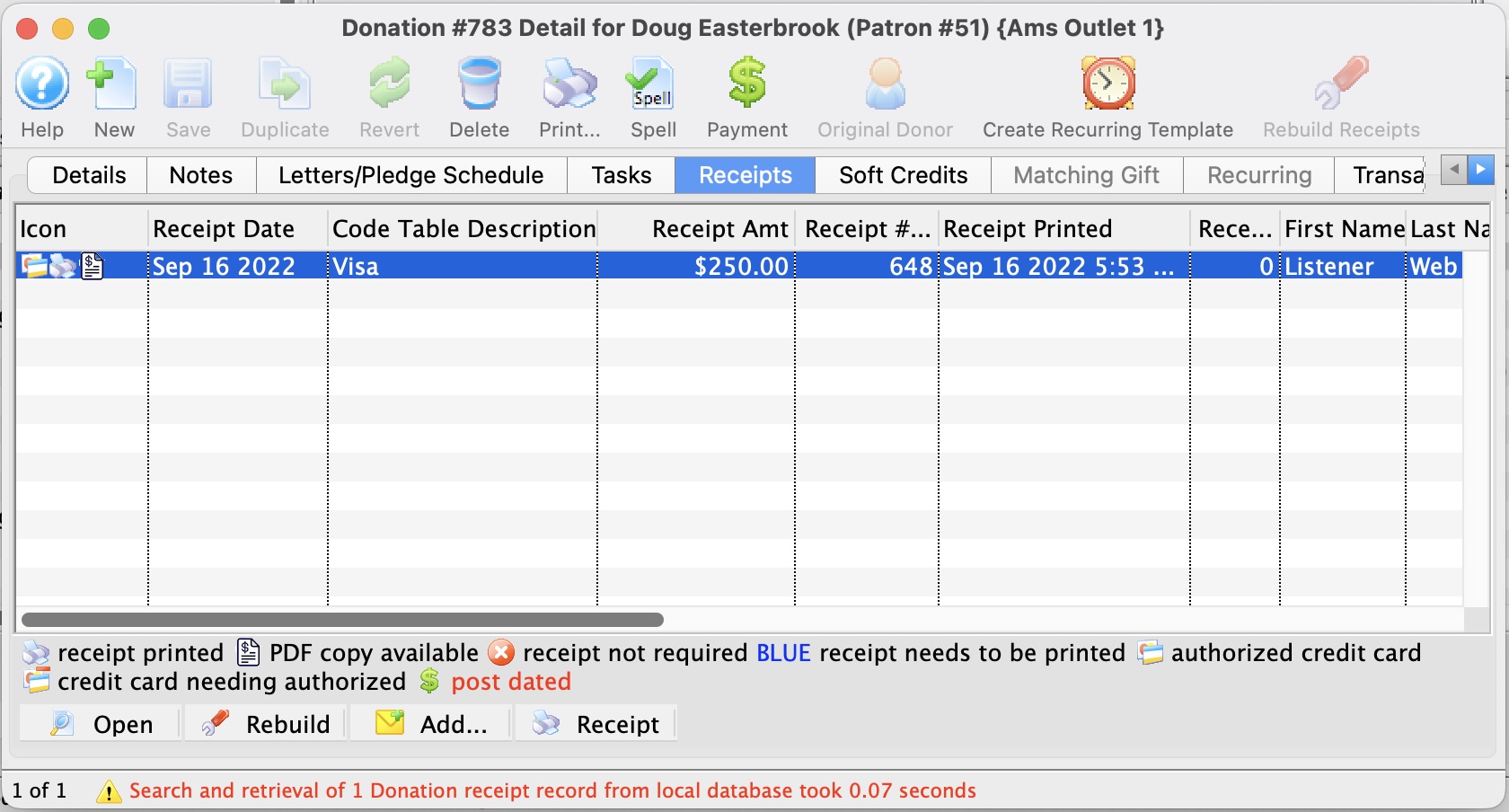
Parts of the Receipt Tab
| Receipt Date | The Date the Receipt was created i.e. The day the payment was received. |
| Description | Method of payment received. |
| Receipt Amount | Amount the receipt was issued for. |
| Receipt # | The number of the receipt. This number is setup in Company Preferences under the Donation Receipts tab. |
| Receipt Printed Date | Date the receipt was printed. |
| Receipt Print Count | Number of times the receipt has been printed. |
 |
Opens the Edit Manual Receipt detail window. |
 |
Deletes the selected receipt. If after the receipt is deleted the total donation is greater than the receipted amount Theatre Manager will rebuild the order and recreate the receipts. |
 |
Adds a form letter to the selected payment. |
 |
Prints a ticket receipt for the selected payment. |
Diataxis: