
Main menu
You are here
Delete a Resource

- Click Setup >> System Tables >> Resources.
The Resource List Window opens.
Click here for more information on the Resource List window.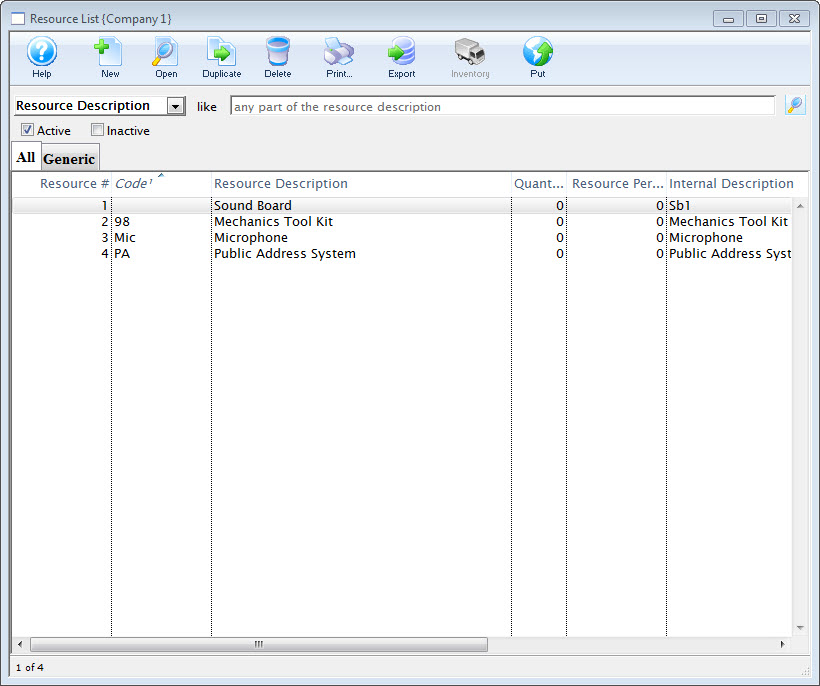
- Click the Delete
 button.
The Delete Confirmation dialog opens.
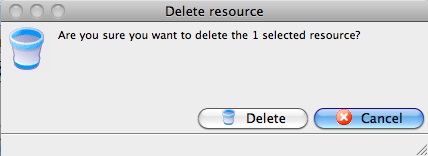
- Click the Delete
 button.
The Resource Record is deleted.
Highlight a Resource from the list by single-clicking on it.