
Main menu
You are here
Manage Current Internet Holds

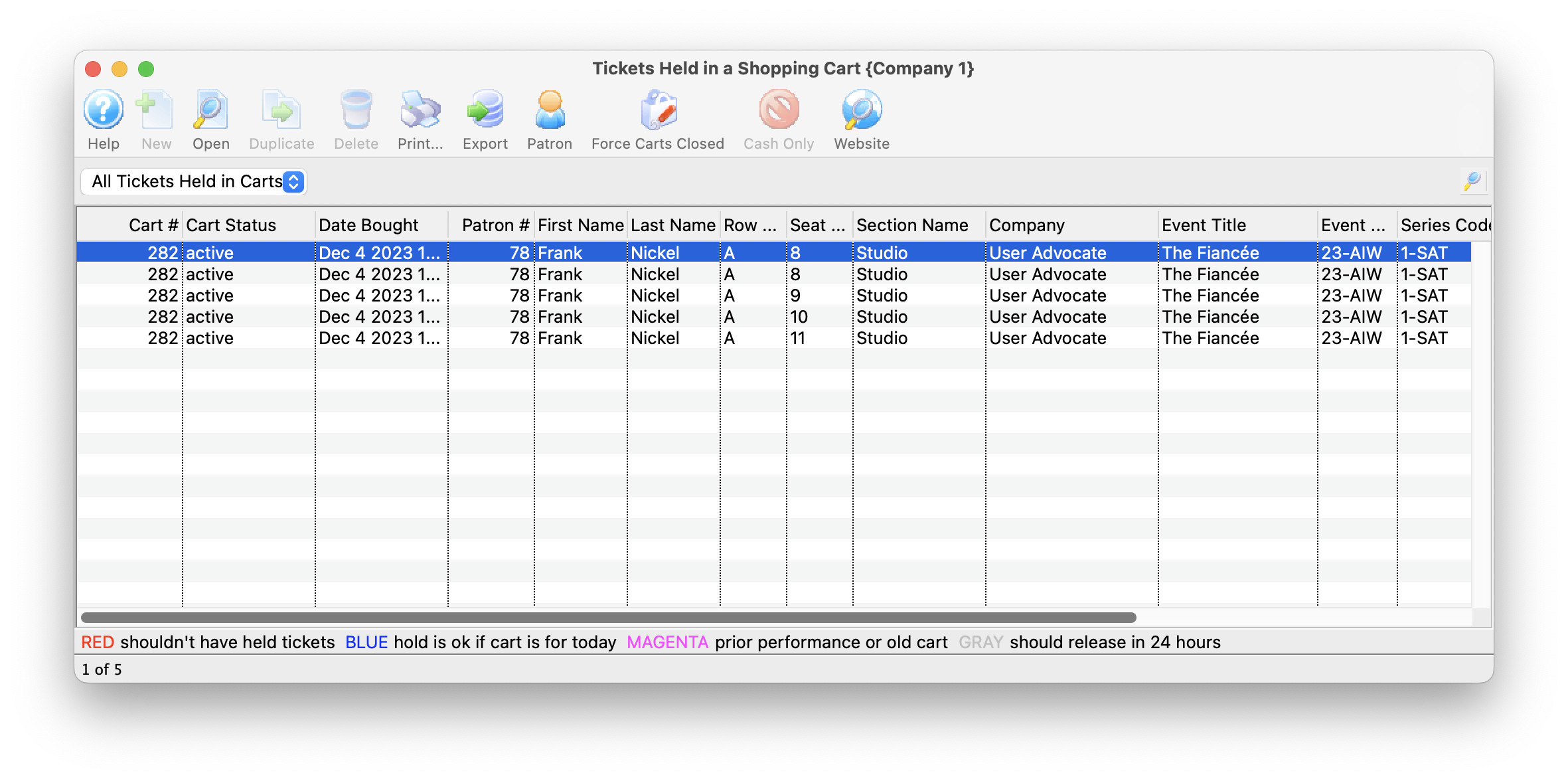
The Tickets Held in a Shopping Cart window will list all tickets currently being held by the web listener. It can be accessed by going to Patron Sales >> Web Sales >> Manage Current Internet Holds.
The window lists the status of the cart, the patron's information and the performance details. To refresh the list click the magnifying glass in the upper right corner of the window.
The Status column will indicate if the cart is Active or Expired.
- Tickets in an active cart can never be released - ever. Thats because the patron has them in their shopping cart and, essentially, that would stealing from them. You can, however:
- help the patron manually check out the shopping cart if they have logged in. You cannot do anything to anonymous shopping carts except let them expire -OR-
- you can force the cart closed so that the tickets will release when the hold expires
- Expired carts rarely contain held tickets. If they do:
- check the status of the ticket in a cart - if there was an issue checking the cart out, TM will hold the ticket for up to 96 hours so that you can manage this rare situation. You may need to add that ticket to the patrons cart, or use the Force Carts Closed button to manually release them.
- In the rare event that a ticket is stuck as held long after the cart has expired, please see the steps below the image for details on released expired holds.
Forcing Carts Closed
If you chose not to manually check out the shopping cart for the patron, and the cart is active, you can force it closed. That means tickets will release in short order.