
Main menu
You are here
G/L Account Yearly Totals Tab

The account detail window is accessed by opening the G/L Chart of Accounts and double clicking on an account or when inserting a new account.
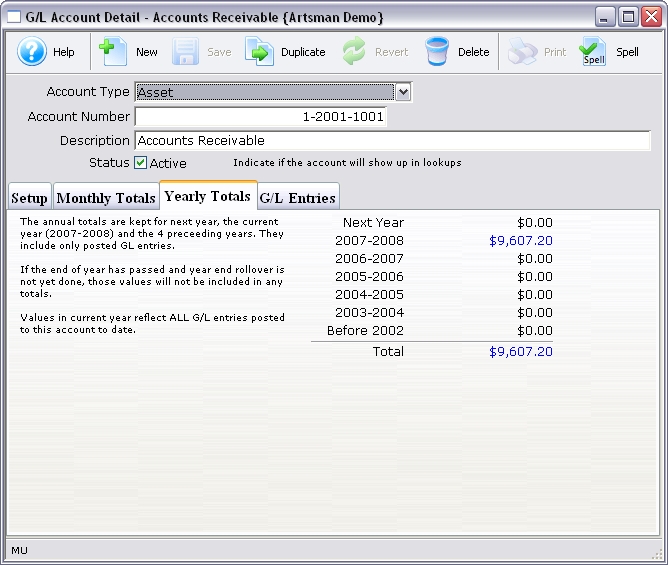
Parts of the Account Detail Yearly Totals Tab
 |
The Setup tab deals with general information settings for the general ledger account. For more information on the Setup tab, click here. |
 |
The Monthly Totals tab shows a breakdown of the monthly totals for the general ledger account. For more information on the Monthly Totals tab, click here. |
 |
The G/L Entries tab shows transactions that are associated with the general ledger account. For more information on the G/L Entries tab, click here. |
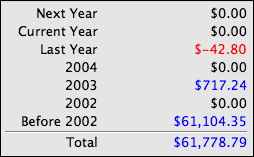 |
A brief summary of the account details for the past five years and the total for those years. |