
Main menu
You are here
Branding web sales to make it look like the main web site

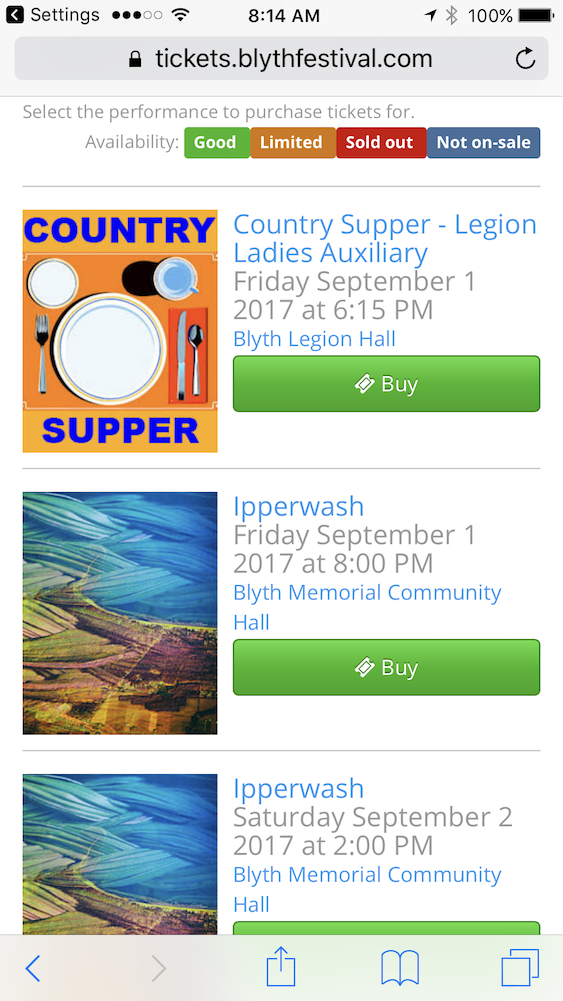 Theatre Manager comes with a set of web pages that can be dropped in place so you can have web sales running in very short order. These web pages provide all the functionality of the web sales component of Theatre Manager including ticket sales, online donations, gift certificate sales, managing the shopping cart, and much more.
While these web pages contain all the functionality, many venues like to change the look of the web pages to 'brand' the pages in their own image. To brand a site, the recommended steps are below. We recommend making a minimum of changes to the pages as it means that you can upgrade pages when we add future functionality quite easily. This is possible because we have tried to isolate the required changes to a few files at most. In practice, this works out very well.
The general approach to branding the web site is:
- Use the sample pages and review the sales process. Also see examples of what others have done to show possibilities.
- Create a custom page design as the first step. Then use the standard pages as they are before making deeper changes.
- There are notes within Theatre Manager that get merged into the web pages. These describe search options, sales text, notes, maps etc that display on the web. It allows control of a number of changes to remain in the hands of the end user (a bit like a CMS).
- Only as a final step, adjust the text content on a few important web pages. Likely, there should only be changes required for mailing, box office hours and a couple of other pages.

If you do want to change a page, copy that page into the same location in the WebPagesEN folder and make the changes to the COPY. Theatre Manager will reference the WebPagesEN folder first when looking for a web page then the default pages from within the TMServer if it finds none.
Try to minimize changes to pages as it affects ability to upgrade pages later on.
Before anything can be changed, you need to know where the web pages are. They are always installed in the WebPages folder of the Tm Web server that is set up when Theatre Manager is first installed. If you need remote access to this folder, we suggest using a GIT checkin/checkout process to edit pages locally and push the pages to your web server..