Editing Patron Information
- Find the patron to be edited.
Click here to learn how to find patrons.
- Double-Click on the patron's name in the top left corner of the window.

The patron contact card will open.
For information on the Patron Contact Card click here.
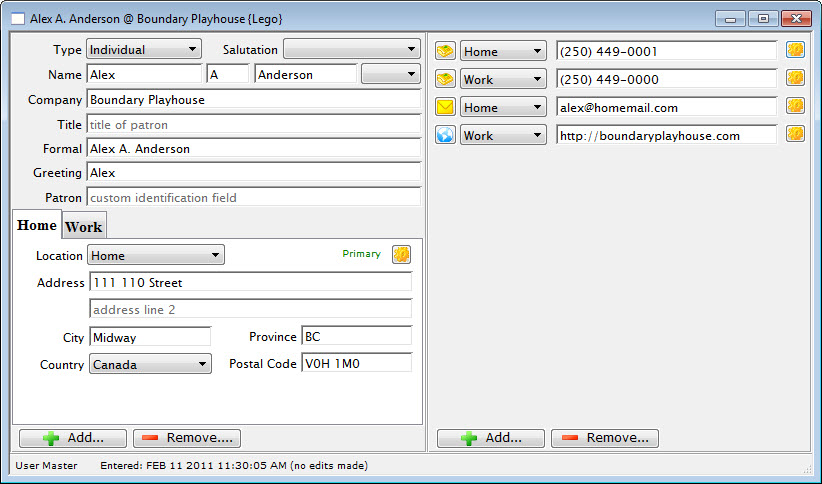
- Add and/or change the contact information as needed.
- Close the Contact Card window.
The changes made to the patron have been saved.
Diataxis: