
Main menu
You are here
Box Office Tab

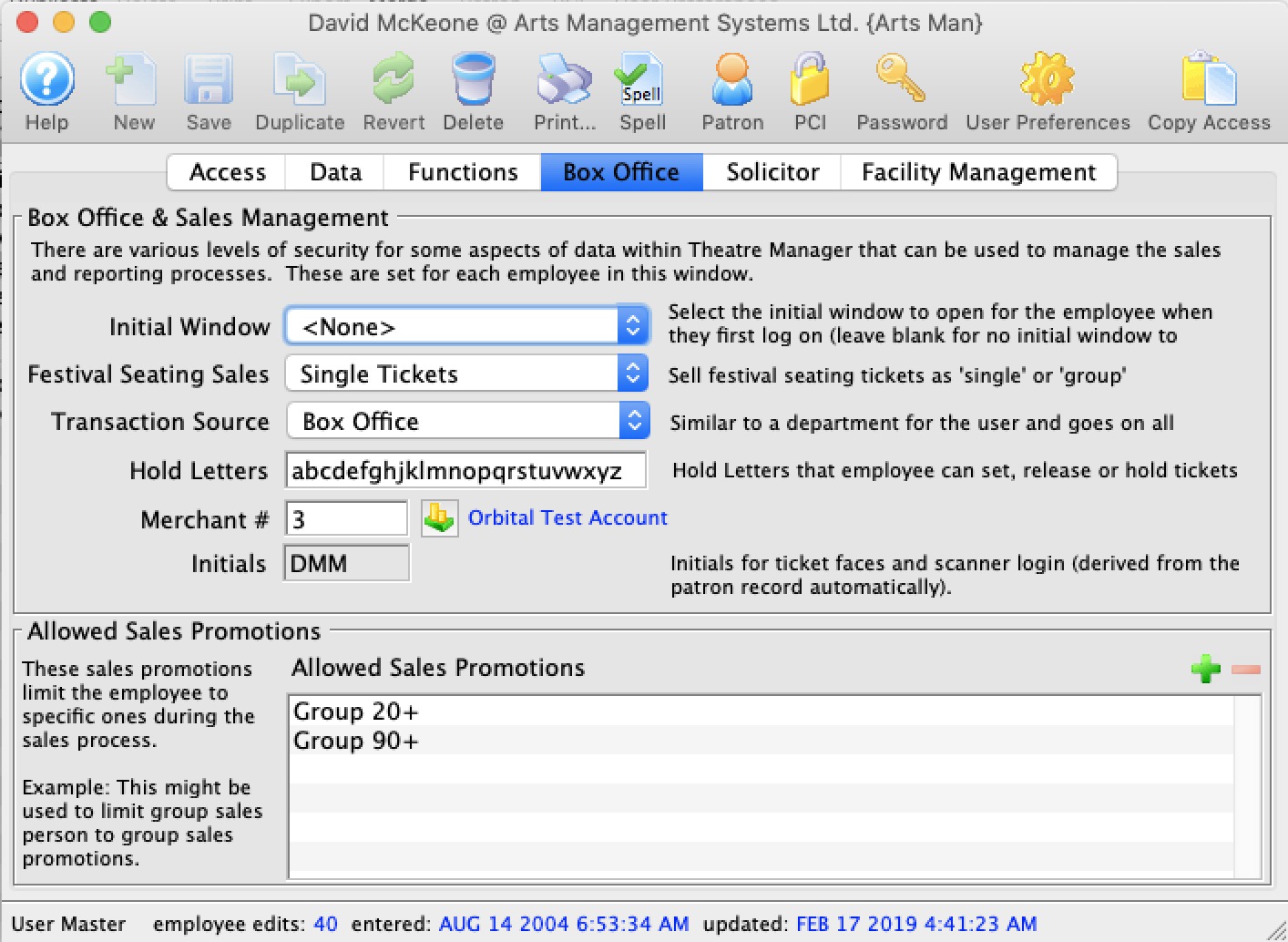
Parts of the Box Office Tab
Box Office and Sales Management |
|||||
| Initial Window |
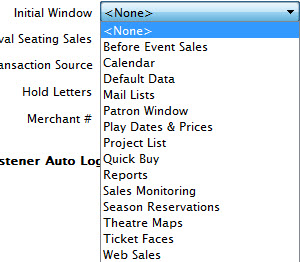 Window that Theatre Manager will automatically
open first when an employee logs on. The initial window may be different
for each employee.
Window that Theatre Manager will automatically
open first when an employee logs on. The initial window may be different
for each employee. |
||||
| Festival Seating Sales | Default for selling festival tickets as a one ticket per admission or one ticket per purchase. | ||||
| Transaction Source | This is the department that the employee works in.
Click here for the Transaction Source code table |
||||
| Hold Letters | These are the Hold letters that the employee can use. They can either set, or release these hold letters for any seat in any performance.
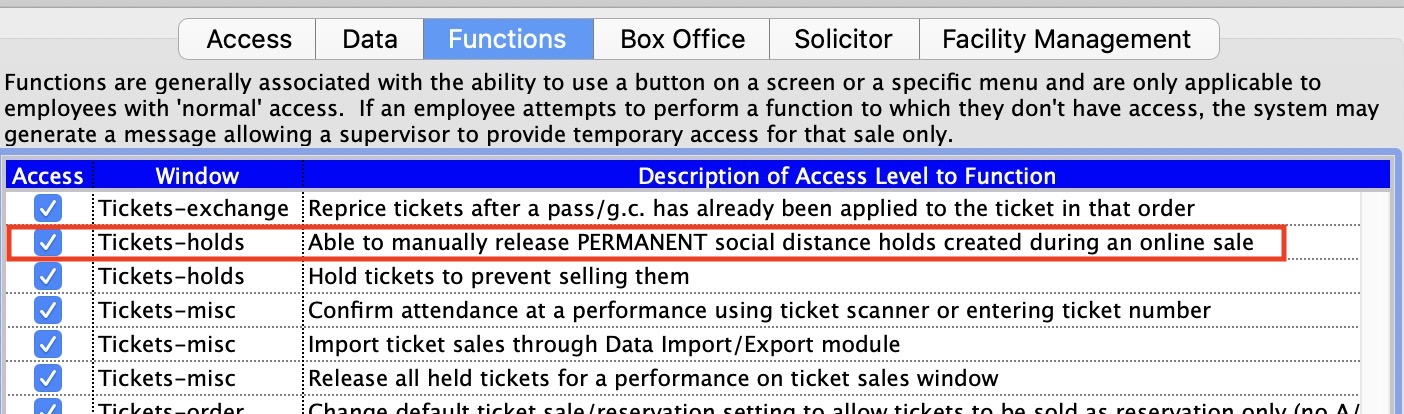
There is a special case for PERMANENT social distance seats booked online. These cannot normally be released by anybody unless they have specific permission as shown below in the employee's permissions in the Function Tab
|
||||
| Merchant # | Merchant account the employee processes credit cards to. | ||||
| Merchant # | Merchant account the employee uses to process credit cards. | ||||
| User Initials | 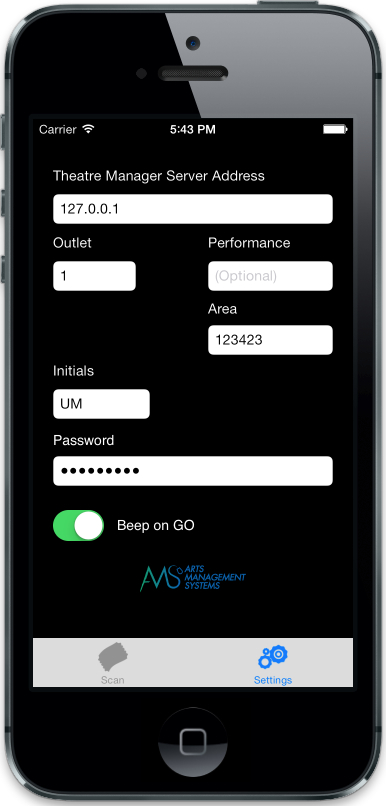 Employee Initials that are entered into preferences for scanner login. These can be copied from the patron record when modifying the employee's access permissions. Employee Initials that are entered into preferences for scanner login. These can be copied from the patron record when modifying the employee's access permissions.
|
||||
| Restricted Sales Promotions | If you enter a list of sales promotions into this field, the employee will only be able to use those promotions when selling a tickets. If at least one of these sales promotions is not enabled for the performance the employee is trying to sell to, they will see no sales promotions and therefore, not be able to sell a ticket at all.
Eg: if the employee can only sell a 'Group' or 'Regular' promotion and neither of those are enabled for a specific performance, then none will appear.
Recommendation for best effectif you wish to use sales promotion restrictions for employees, it might be good practice to:
|
||||

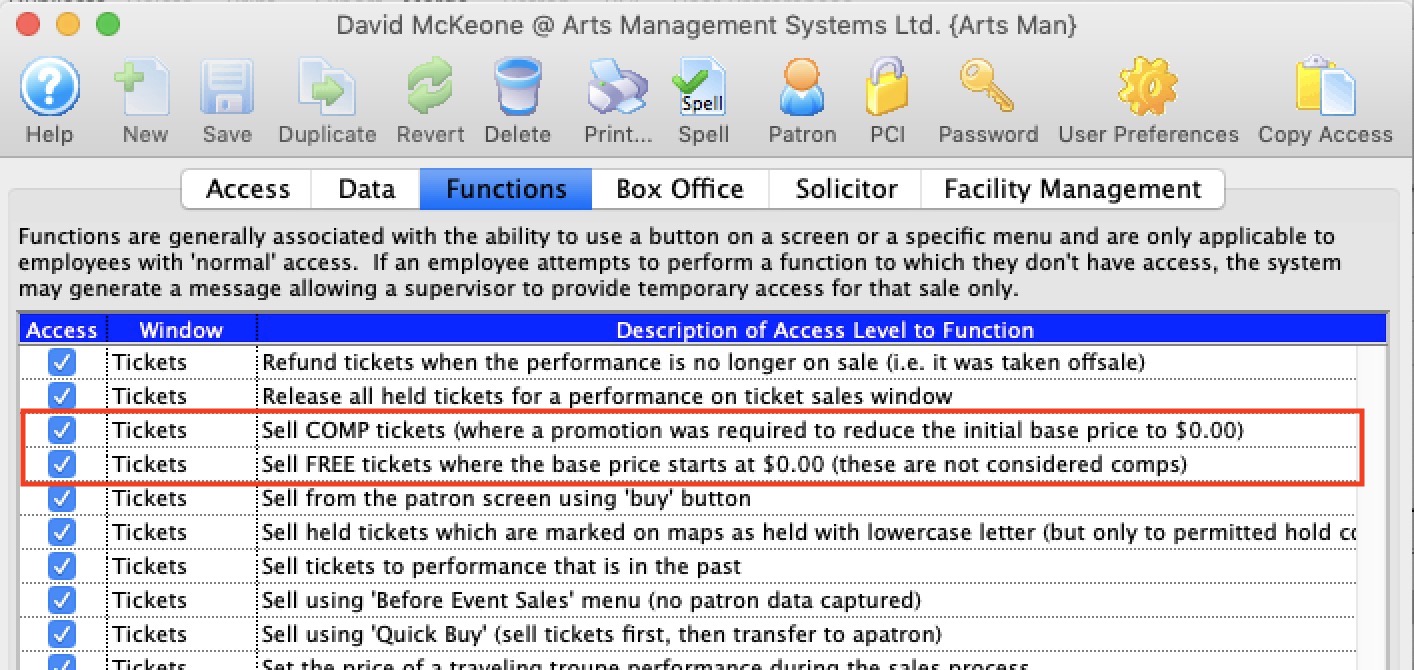 Do not use this feature to limit access to comp tickets.